15
15 0
0 0
0 2 March 2026
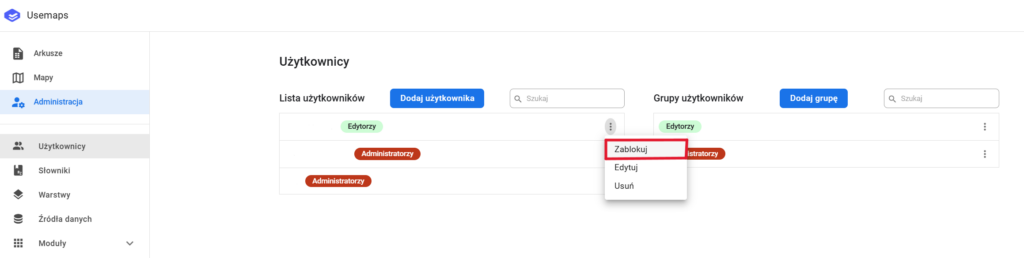
- by the System Administrator (click the three dots next to the Users list -> Block)
- automatically after exceeding the allowed number of failed login attempts (this option can be configured in Login Settings)
Unlocking a User:
- A user can only be unlocked by the Administrator (click the three dots next to the Users list -> Unlock).