

 26
26 0
0 0
0 21 July 2026
Managing the Object Card Attribute List involves deciding which attributes will be displayed in the Object Card of the selected Layer,
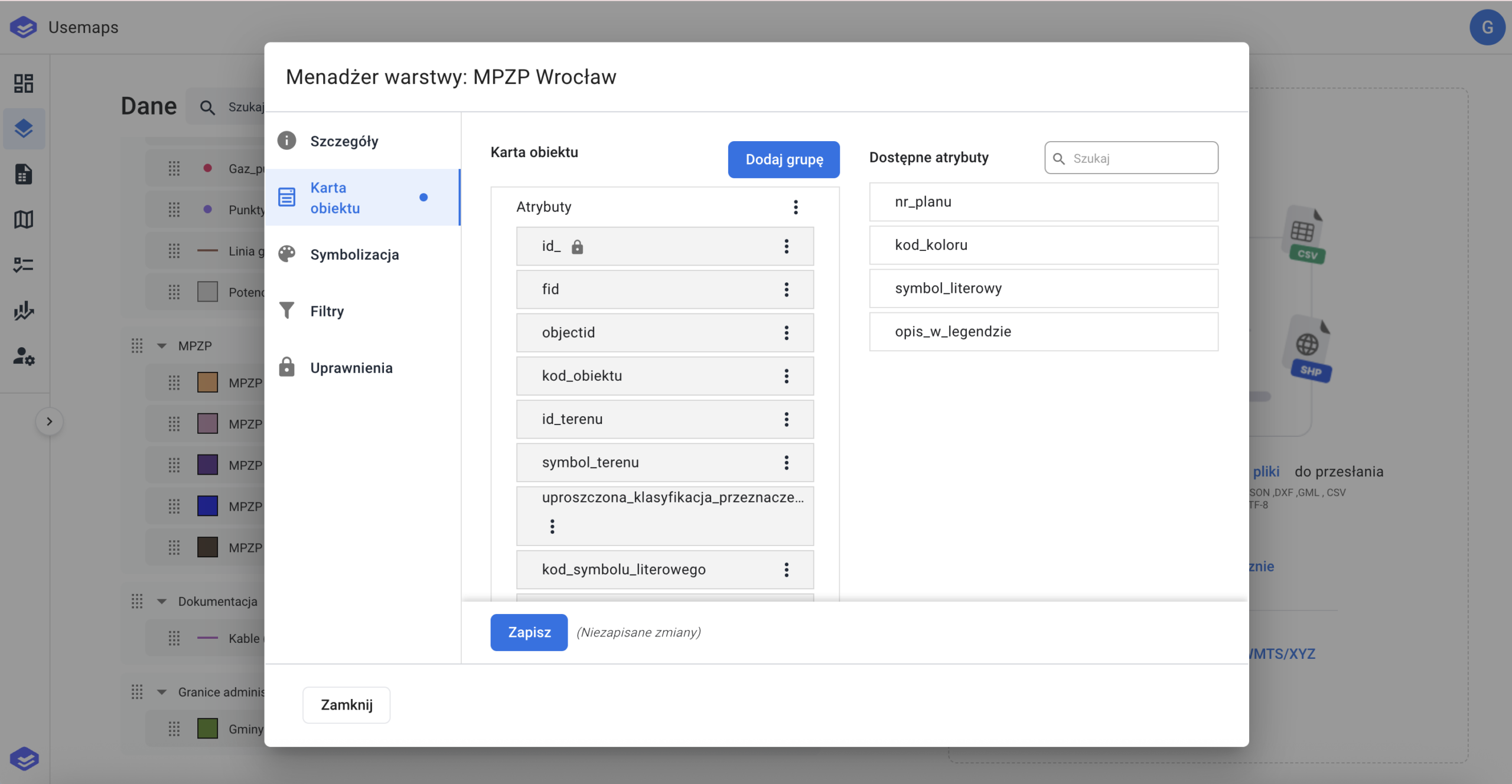
The Object Card Attribute List Management window is located in:
- Data -> Click on the layer -> Layer Manager
Managing the Object Card Attribute List is done in the Object Card section
- Object Card – this section contains attributes grouped into categories that are displayed in the Object Card
- Available attributes – attributes that exist in the data source but are not displayed to Users.
Use Cases
- Removing/adding an attribute to be displayed in the Object Card – this is done using a simple drag-and-drop action between sections.
- Adding/removing a new attribute group in the Object Card.
- Renaming an attribute – changing the name displayed in the Object Card (does not change the system name of the attribute)
- Setting a default value for editing