

 25
25 0
0 0
0 25 May 2022
It is worth spending a few minutes preparing files with the correct sizes and formats in an external graphic program (the hints describe what dimensions the images should have so that they fit perfectly on computer screens).
The Visual Identity of the System includes:
- System Instance Logo
- System Instance Name
- Site Icon
- Main Image of the System Instance
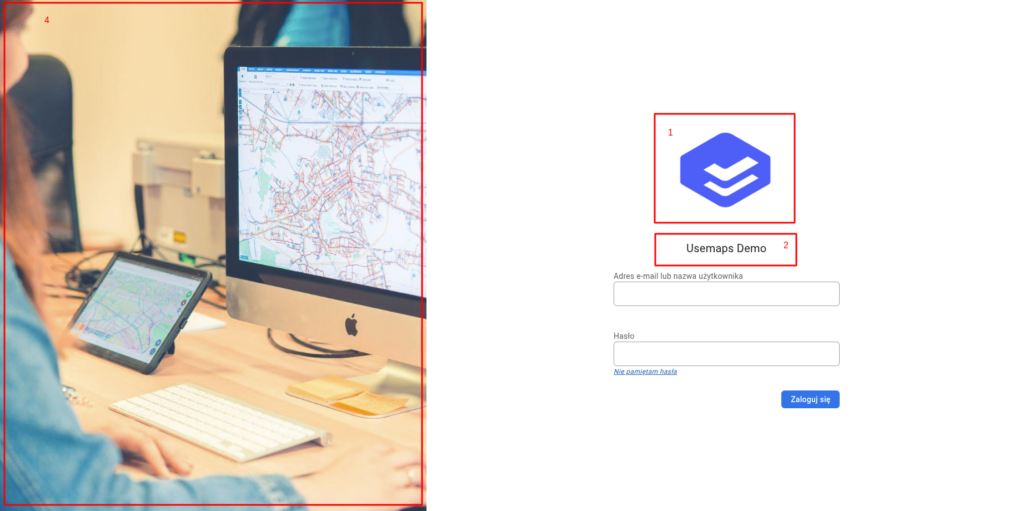
All these elements are managed in the Administrator Panel -> General Settings.
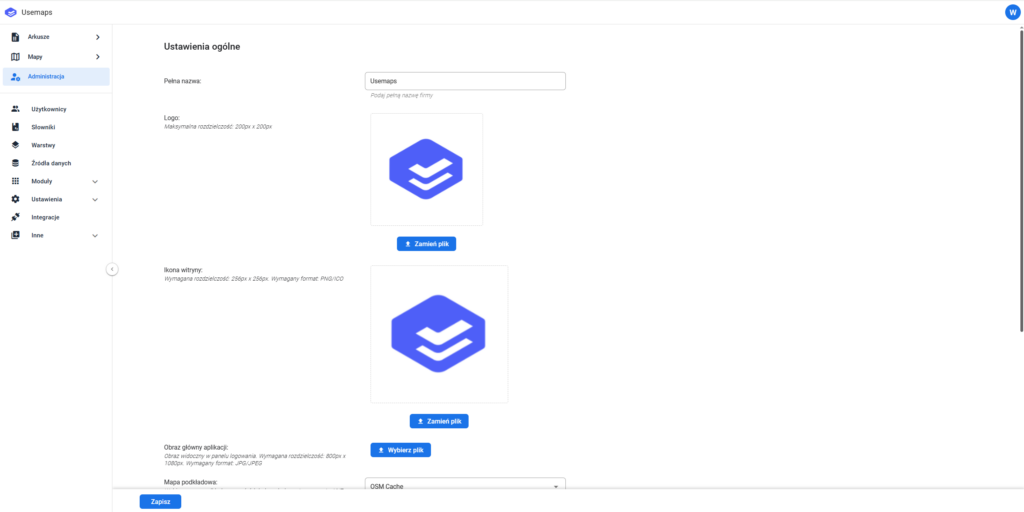
The prepared files should be uploaded using the available tools.
After assigning individual visual elements, the system will gain a distinct character and will be more easily accepted by collaborators.