

 23
23 0
0 0
0 2 June 2023
Instructions on how to create a data source directly in the system or from an external layer (Shapefile/GeoJSON/DXF/GML) are covered in other articles. If a data source of interest already exists in the system, the user can create any layer based on its attributes.
If a data source of interest exists in the system, the user can create any layer based on the source’s attributes. The most important requirement for creating a layer is having Administrator permissions.
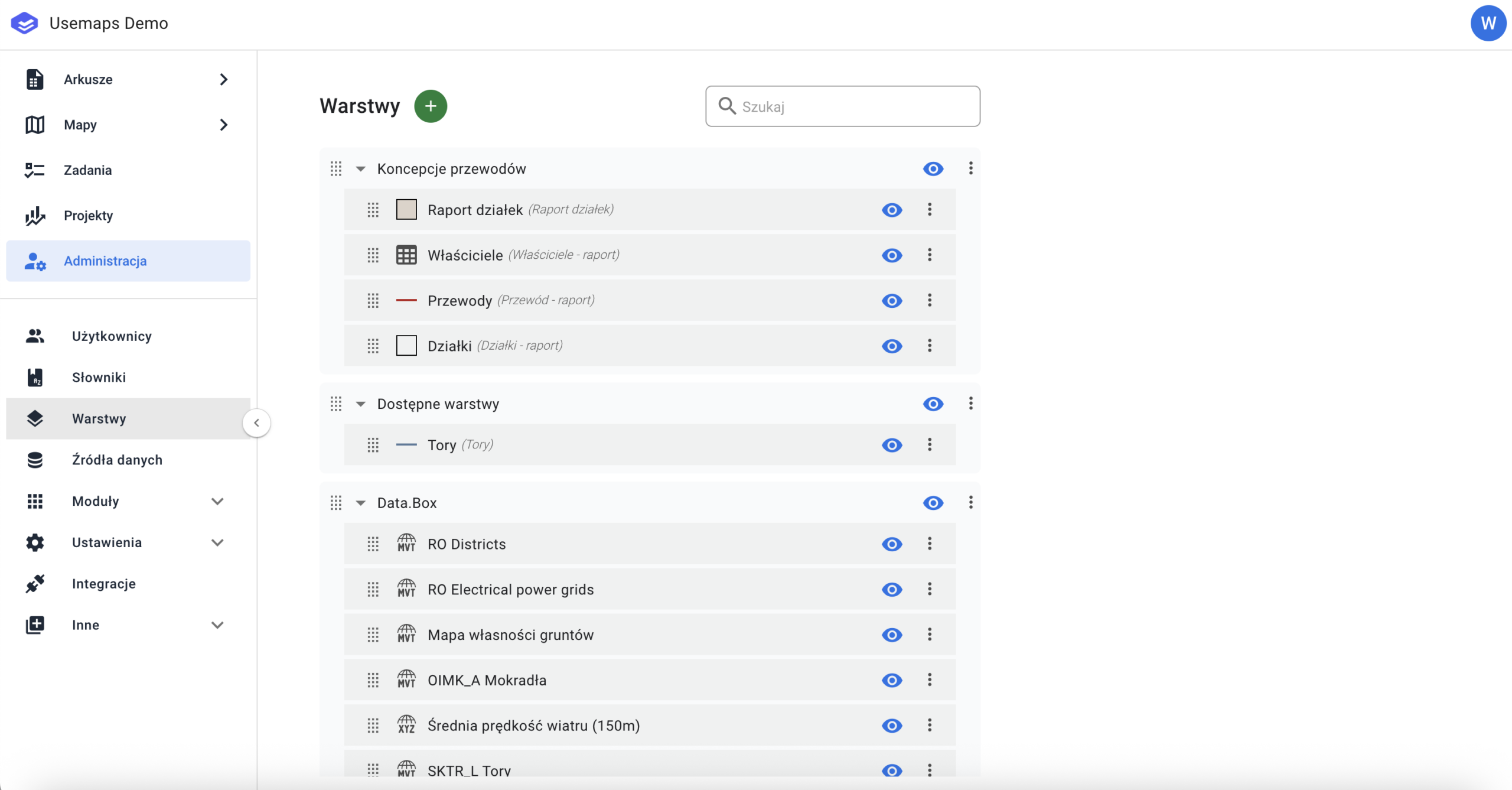
- In the first step, go to the Administrator Panel and select the “Layers” tab.
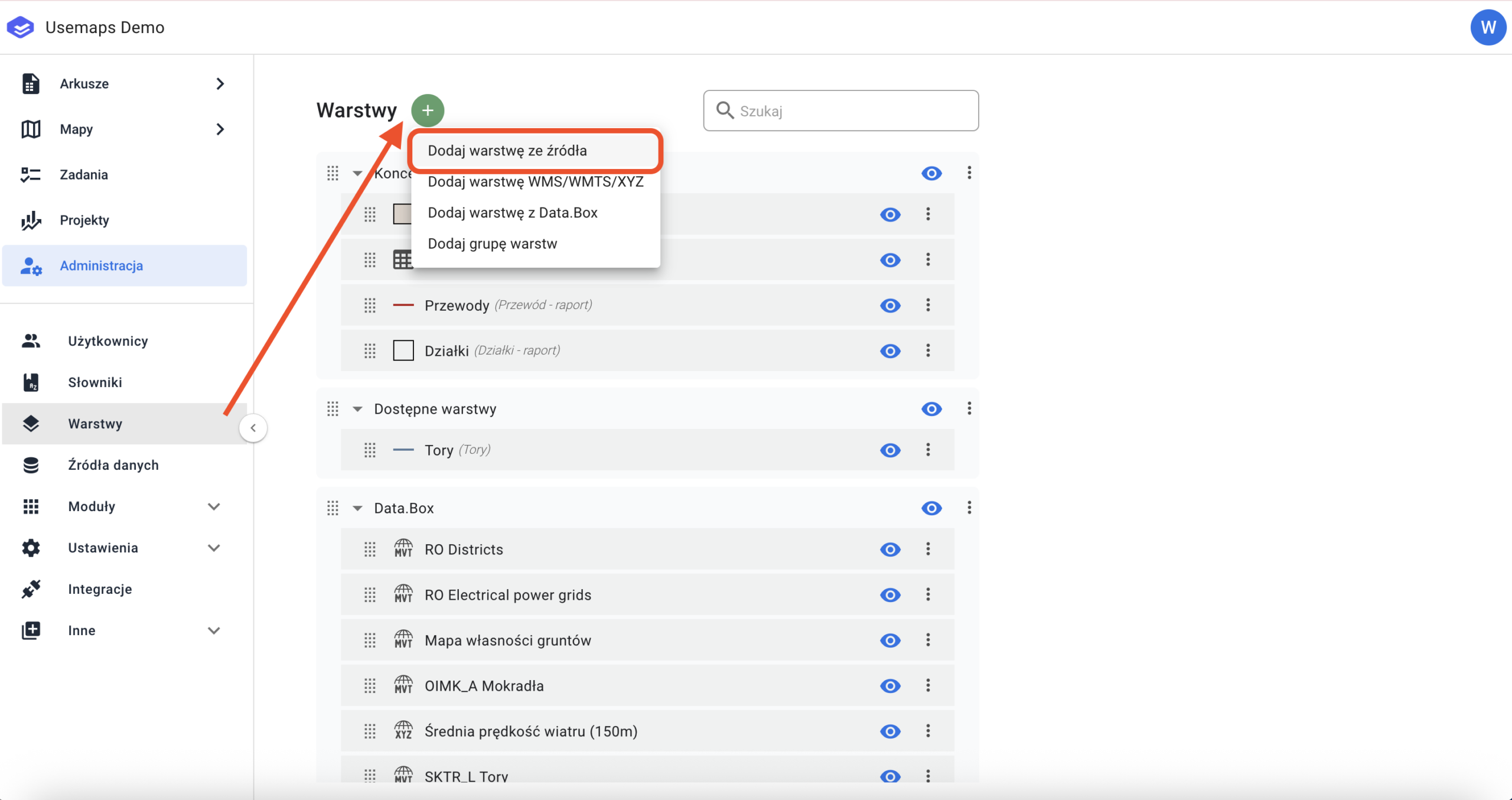
2. Click the „Green Plus” icon, then select „Add Layer from Source”.
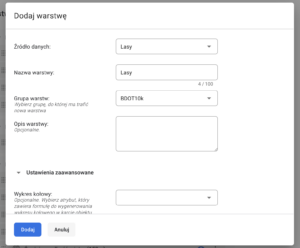
In the next step, select the data source you want to use, give a name to the new layer, assign it to the appropriate layer group, and set permissions for each User Group.
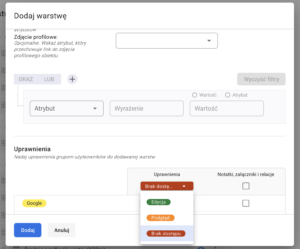
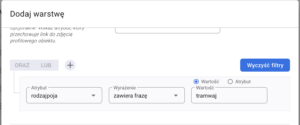
If we want the layer being created to be based on a specific rule or restricted by an attribute, the user can add a „Rule”.
Example:
If the user wants a layer called „Tram Tracks”, it can be created from the data source „Tracks.” Simply select the attribute that contains information about the type of tracks and use it to set a filter that limits the displayed data.
It is important to remember that all layers created from the same data source are updated simultaneously. Any change in one layer affects the others, as the changes are saved in the source.