33
33 0
0 0
0 24 May 2022
- Identify the object and open its Object Card
- At the bottom, in the Relations Panel, open the Attachments List
- Click the “Add attachment” button
- In the new window, there are two tabs:
- Add. After clicking the “Select file” button, you can choose a file from the disk
- Assign file. You can find and add as an attachment a file that has already been added (i.e., a file that is already an attachment of another Object). This prevents duplicating files on the disk.
- Click “Save”
Adding one attachment to multiple objects
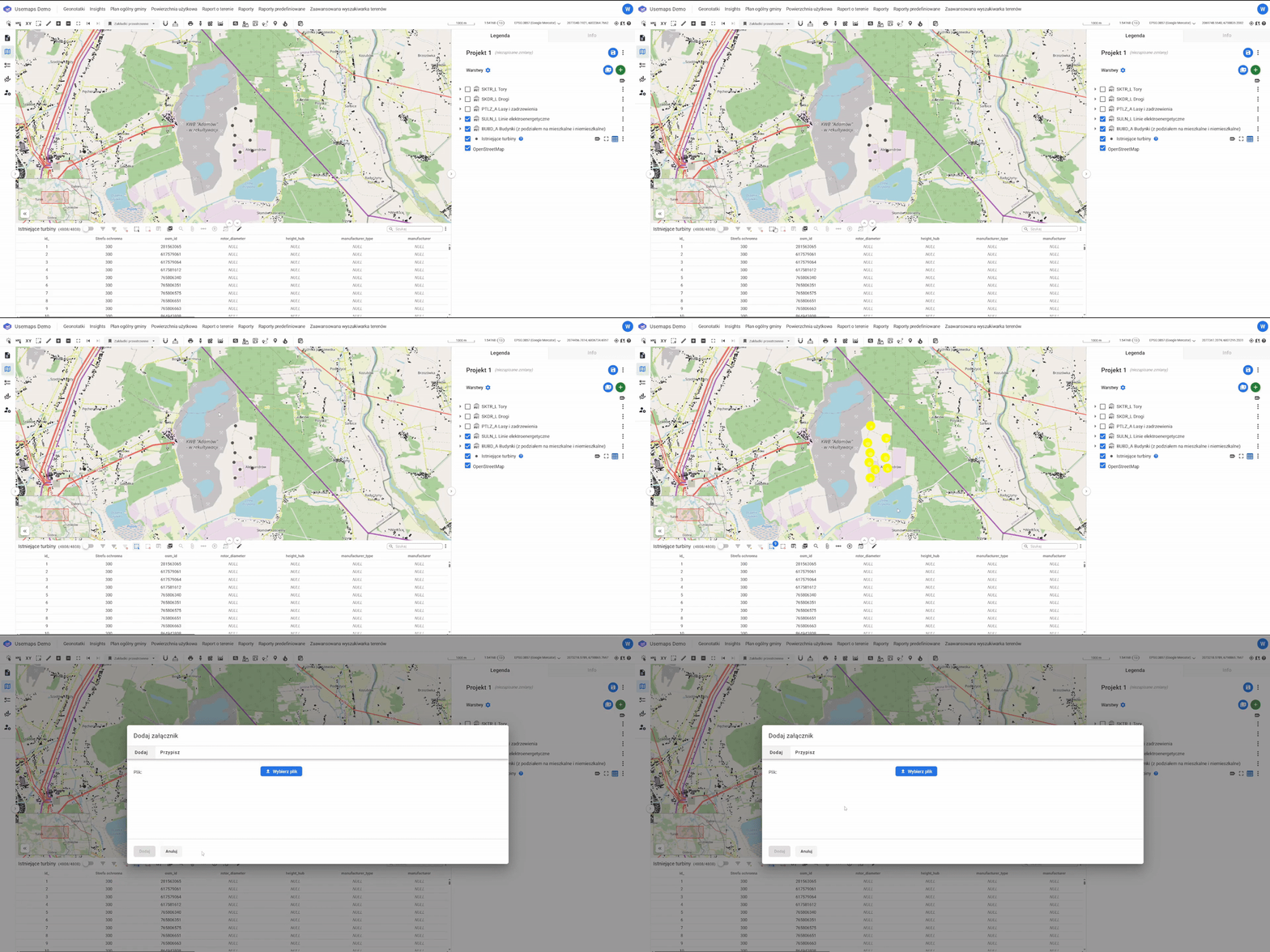
To quickly add attachments to multiple objects at once, you should:
- Select the objects
- Select the “Add attachments” tool
- Choose the attachment from the disk
- Click “Save.”