

 34
34 0
0 0
0 29 January 2026
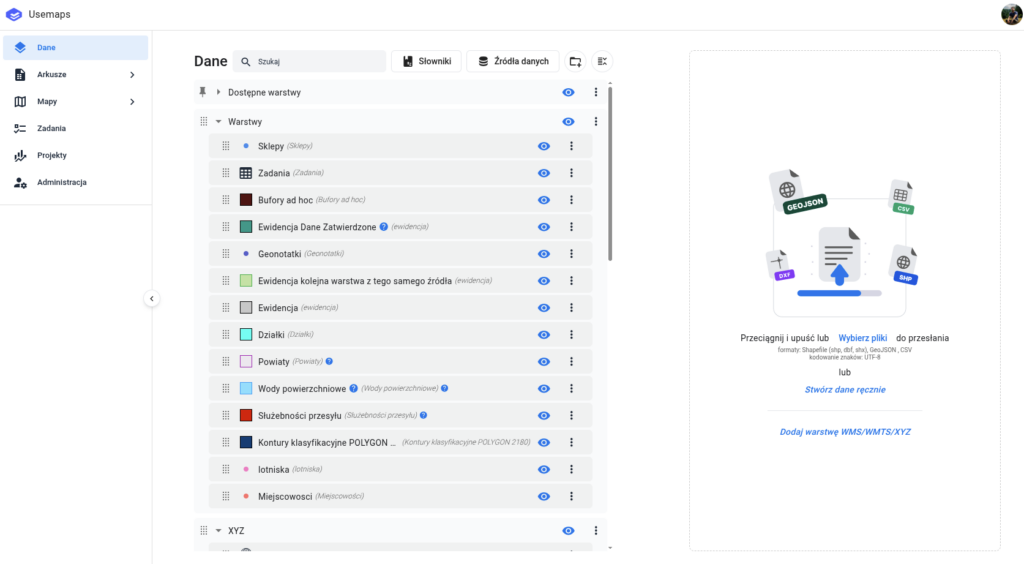
The “Data” Panel is the place where the Administrator manages data.
In Usemaps, the Administrator is key. They decide which data will be included in the System, what attributes it will have, whether dictionaries will be linked to it, and who will have permissions to access that data.
What does data management mean? Above all:
- Uploading data into the system from a file. Recently, drag-and-drop has also been supported
- Creating a layer manually (by specifying the geometry type and adding the desired attributes)
- Adding a WMS layer (as well as WMTS and XYZ layers)
The detailed capabilities are shown in the video.