

 35
35 0
0 0
0 20 June 2023
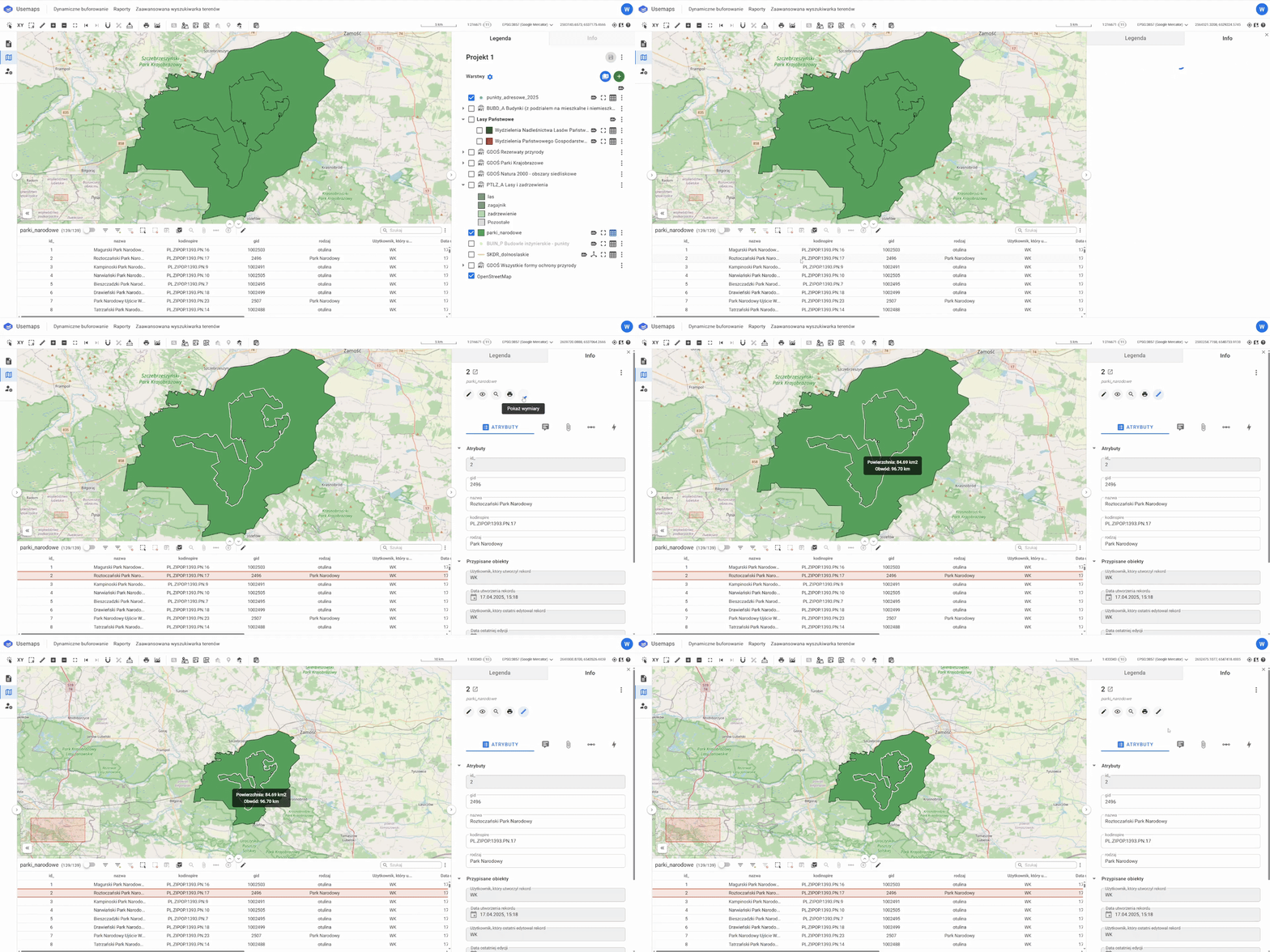
The “Show Dimensions” tool, available in the Object Card, allows you to display basic measurements for a polygon, including area, perimeter, and the dimensions of all individual segments.
You can hide the dimensions again by clicking the tool icon.
For area, the unit of measurement is displayed in:
- m² when the area is less than 1 ha
- ha when the area is between 1 ha and 100 ha
- km² when the area is greater than 100 ha
Note regarding map dimensions: The dimensions shown on the map are for reference only. The map uses the Web Mercator coordinate system, which may slightly distort actual proportions, especially over large areas and at higher latitudes.
Please note that the actual coordinate system used in the database may differ, depending on the implementation.