51
51 0
0 0
0 11 February 2026
Linear scale
A linear scale, similar to those on traditional paper maps, provides a graphical representation of the scale. It allows for quick and intuitive estimation of real-world distances based on measurements on the map.
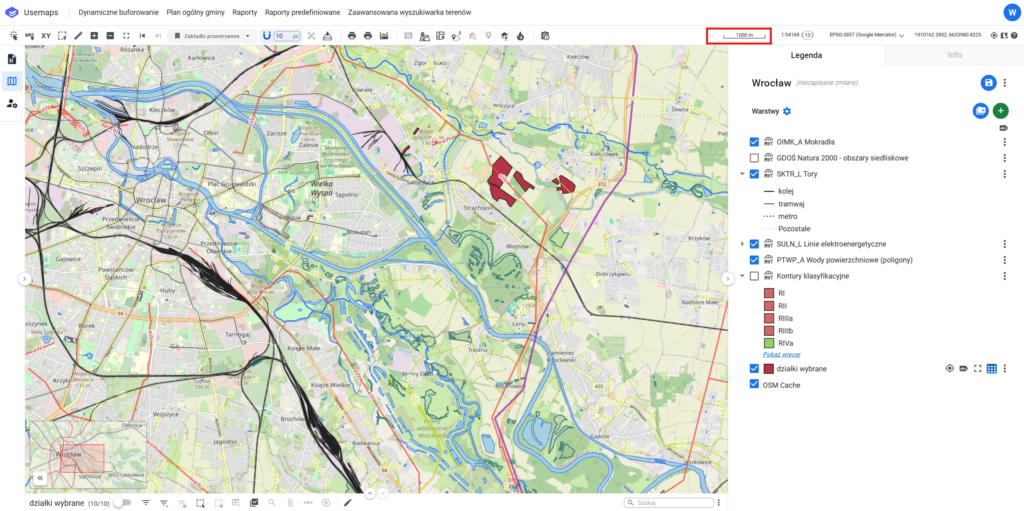
Example:
A segment marked on the scale corresponds to a real-world distance of 100 meters, according to the scale at which the map is displayed.
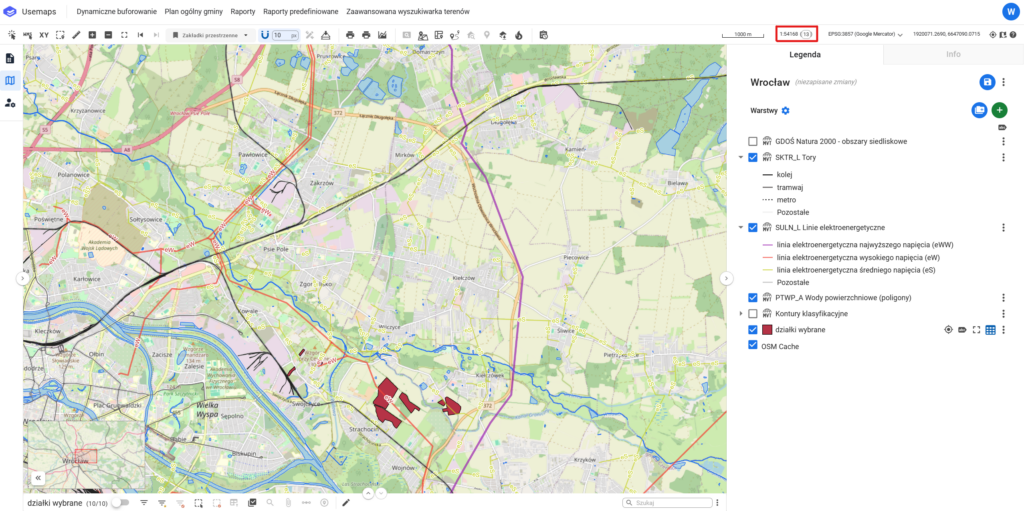
Numeric Scale and Scale Level
The numeric scale indicates the ratio of the reduction of objects on the map to their actual size.
It is presented as a fraction, e.g., 1:500, which means that an object 1 m long on the map corresponds to 500 m in reality.
A scale level is a representation of the map scale used in interactive maps (such as Google Maps, etc.)
Scale levels are usually represented by numbers from 1 to 22.
There is no single conversion between Scale Levels and Numeric Scale. The Numeric Scale values for a given level depend on latitude and longitude, as well as the screen resolution.
- Level 1 represents a view of the entire world
- Level 22 represents a view of a single car
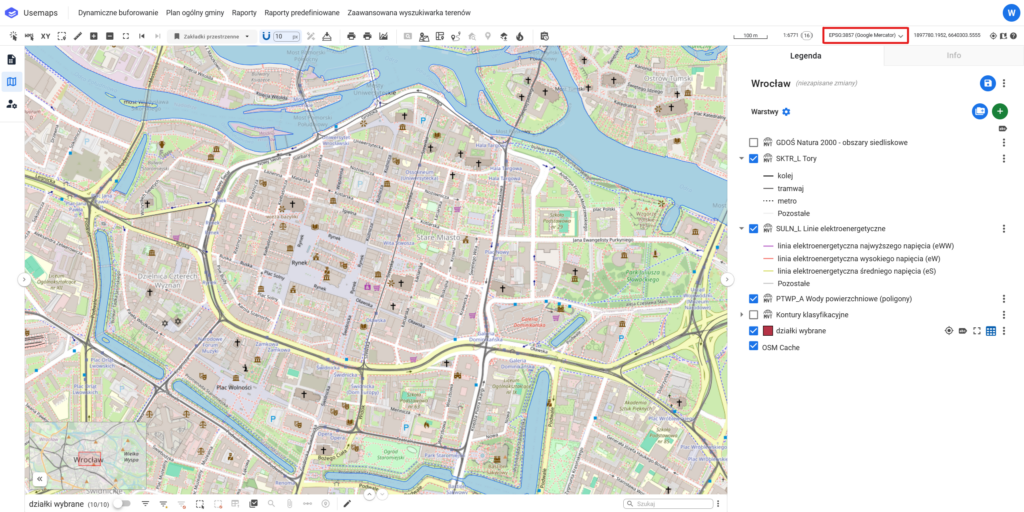
Project Coordinate System
The project coordinate system is a reference system used in a project that allows determining the location of points on a map or in a digital model.
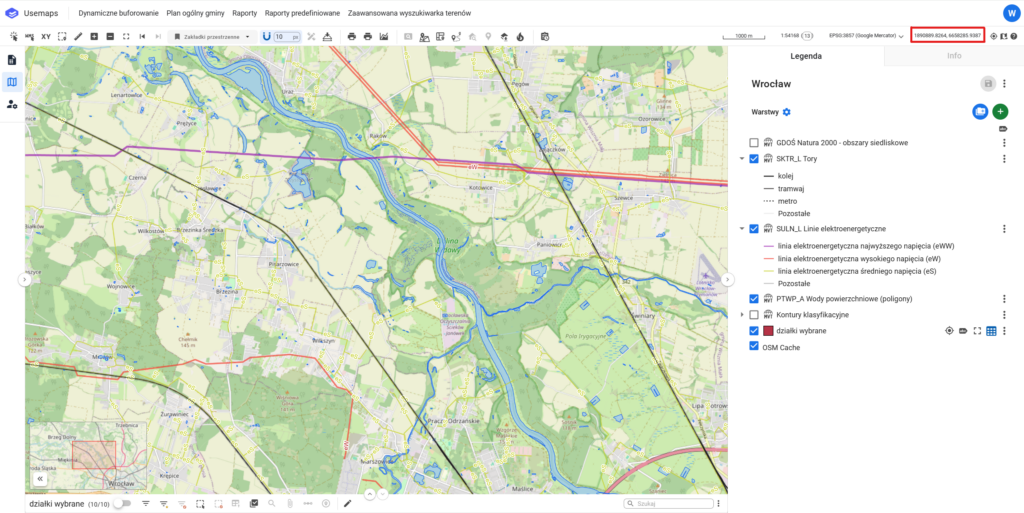
Cursor coordinates
The Cursor Coordinates tool is part of the Tools Panel, where the current coordinates of the cursor are displayed when it is over the map
The cursor coordinates are displayed in the coordinate system defined in the Coordinate System Change Tool.
System version information
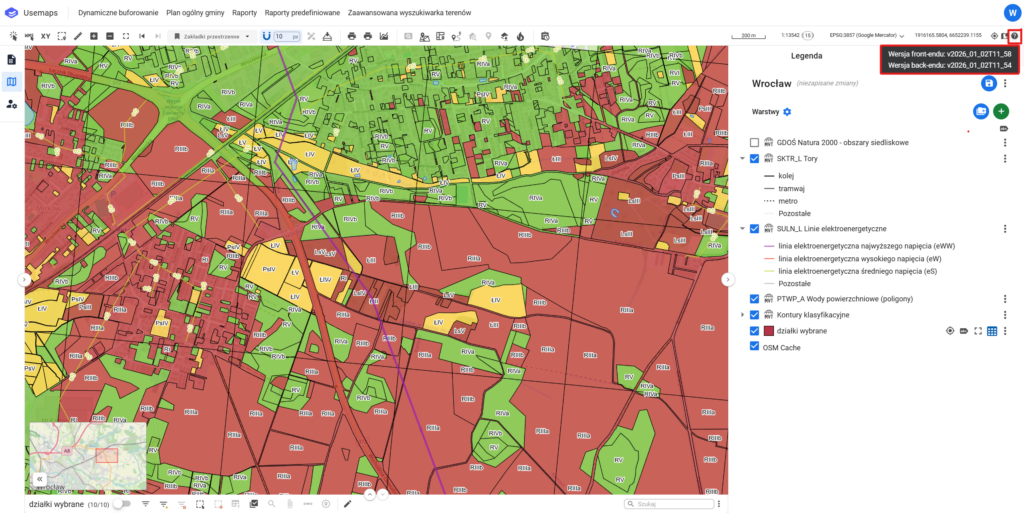
System version information is the precise designation of the edition of the software that is running. This information is crucial for technical support teams and developers, as it allows for a quick and accurate response in case of an error or issue report.
Clicking the system version icon will copy the information to the clipboard.