

 14
14 0
0 0
0 24 May 2022
The tool is located in the Attribute Table and allows selecting (performing a Selection of) the objects visible in the Attribute Table.
The tool is useful for selecting objects that have previously been filtered (using the Basic Filter or Advanced Filter).
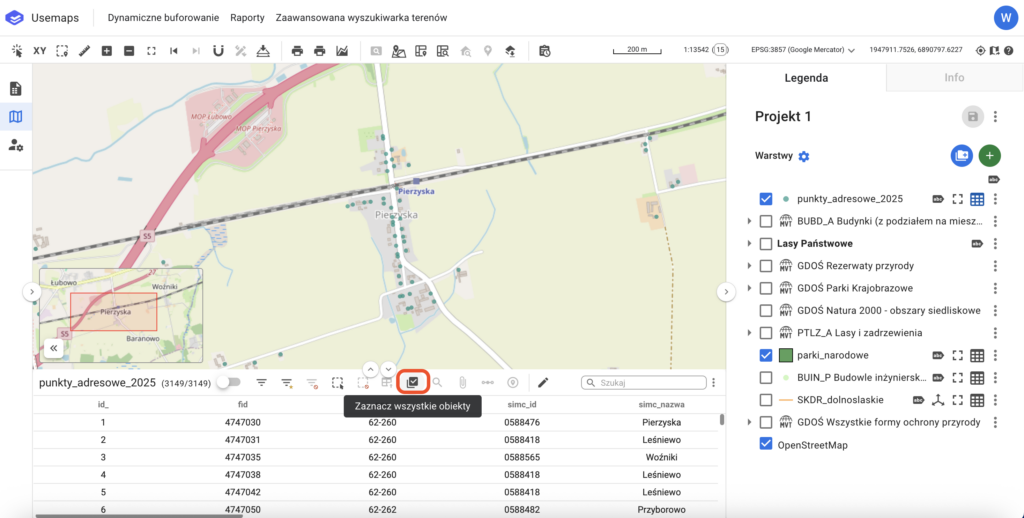
How to use:
- Create a Filter in the Attribute Table (this will limit the view in the Map Window to only the objects of interest).
- Use the Select All Objects tool
- Profit! Now you can, for example, add an attachment to all selected objects or… delete them.