

 16
16 0
0 0
0 2 April 2022
In GIS, every object on the map (e.g., a hydrant) is linked to a single record in the table, which is part of the Layer.
This distinguishes GIS from most other graphic or CAD systems.
Browsing the Attribute Table is one of the basic tasks for a GIS User.
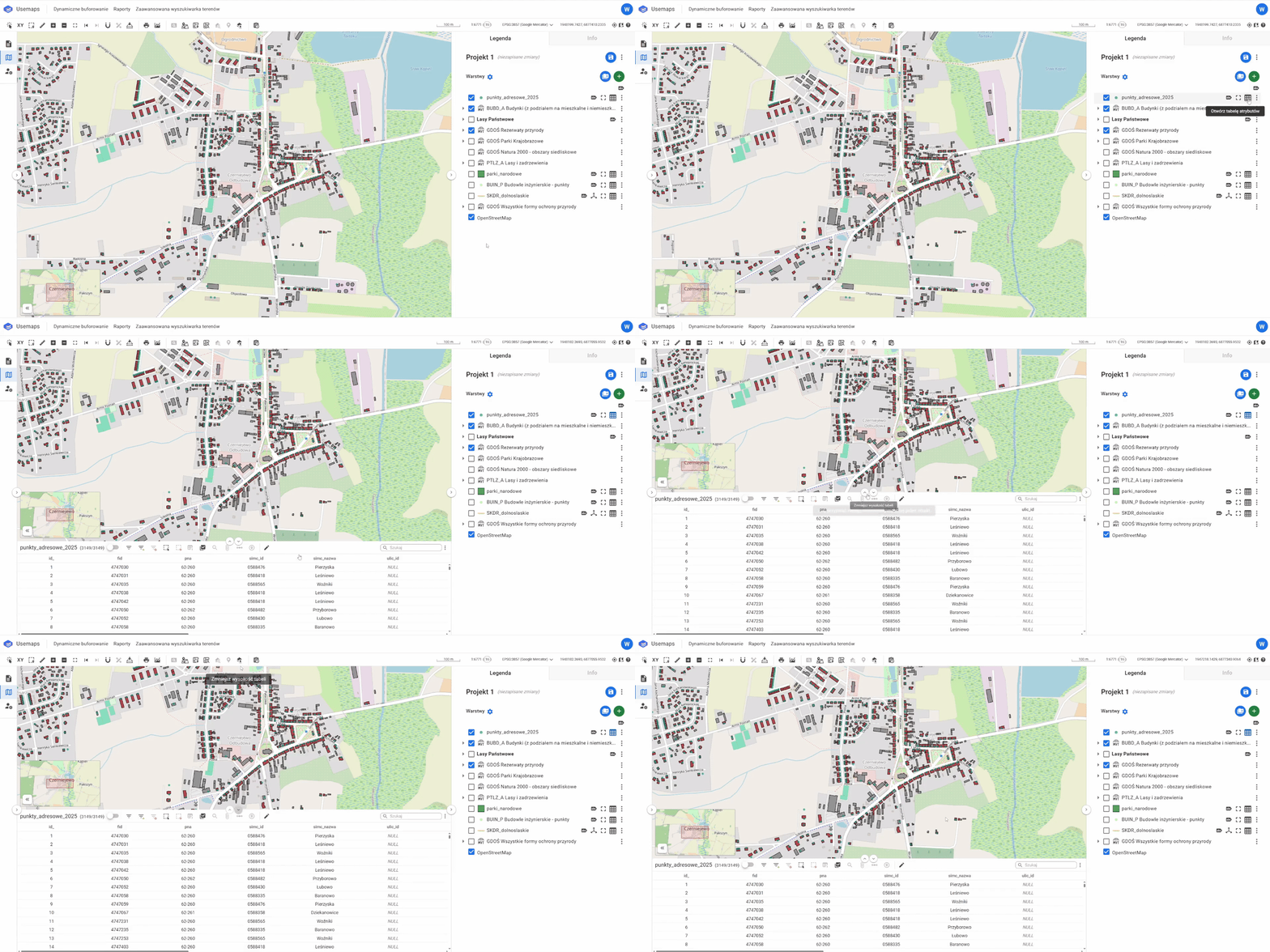
What is useful about the Attribute Table?
Thanks to the data that can be viewed in the Attribute Table, you can, for example:
- Search for objects that meet specific criteria (e.g., find the hydrant with ID: 555)
- Filter objects on the map (e.g., show only red hydrants)