12
12 0
0 0
0 8 March 2022
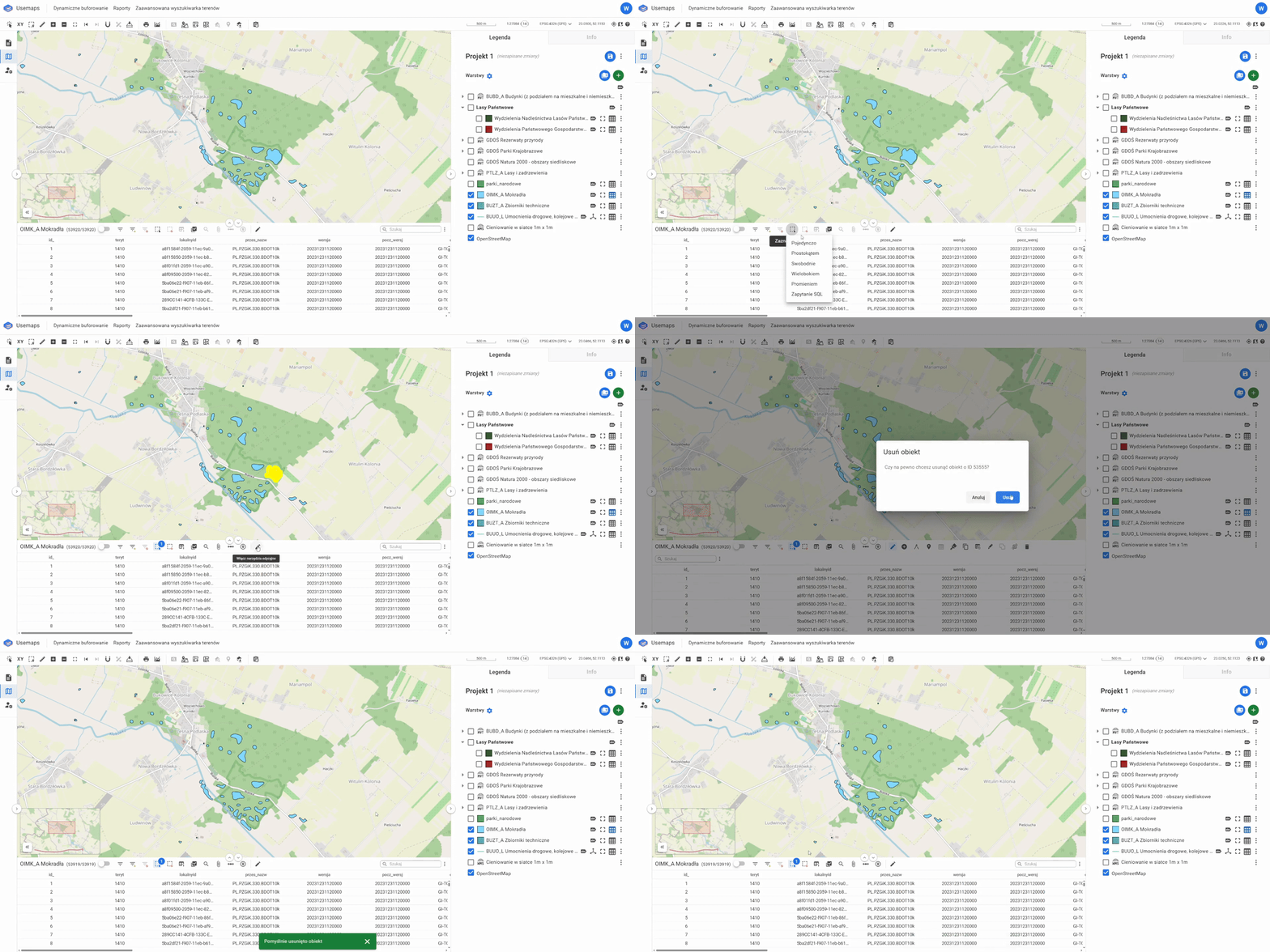
A tool in the Attribute Table Editing Tools Panel that allows permanent deletion of objects from the data source (and therefore from all vector layers)
How it works:
- Select the object or objects using the selection tool
- Choose the Delete tool
- Confirm the deletion of the object from the data source
Deletion is permanent and the object can only be restored from a backup.