

 18
18 0
0 0
0 22 November 2021
Tool available from the Editing Tools Panel.
Tool description
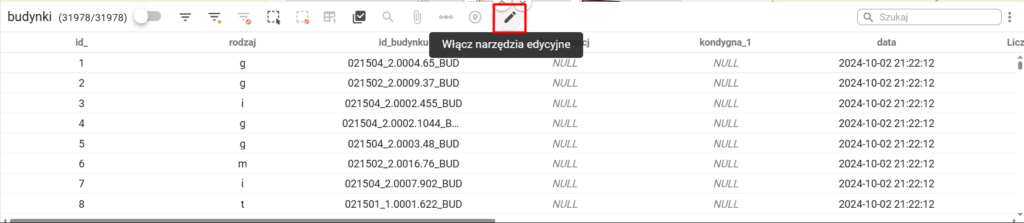
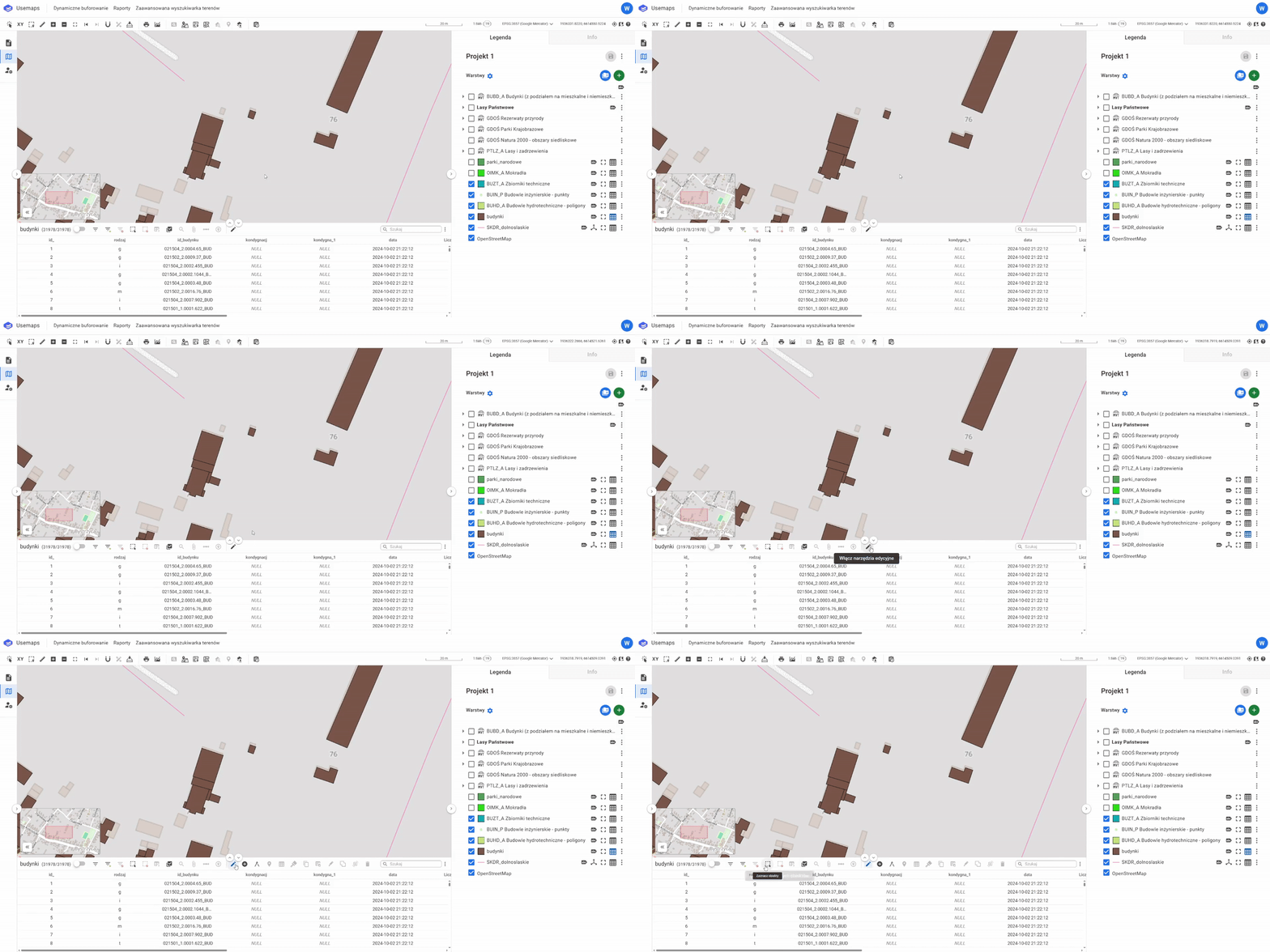
- Open the Attribute Table of the layer whose geometry you want to change and switch it to edit mode
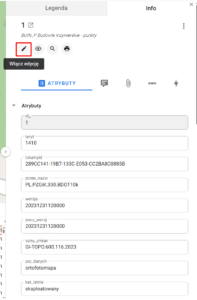
It is also possible to switch to edit mode from the Object Card
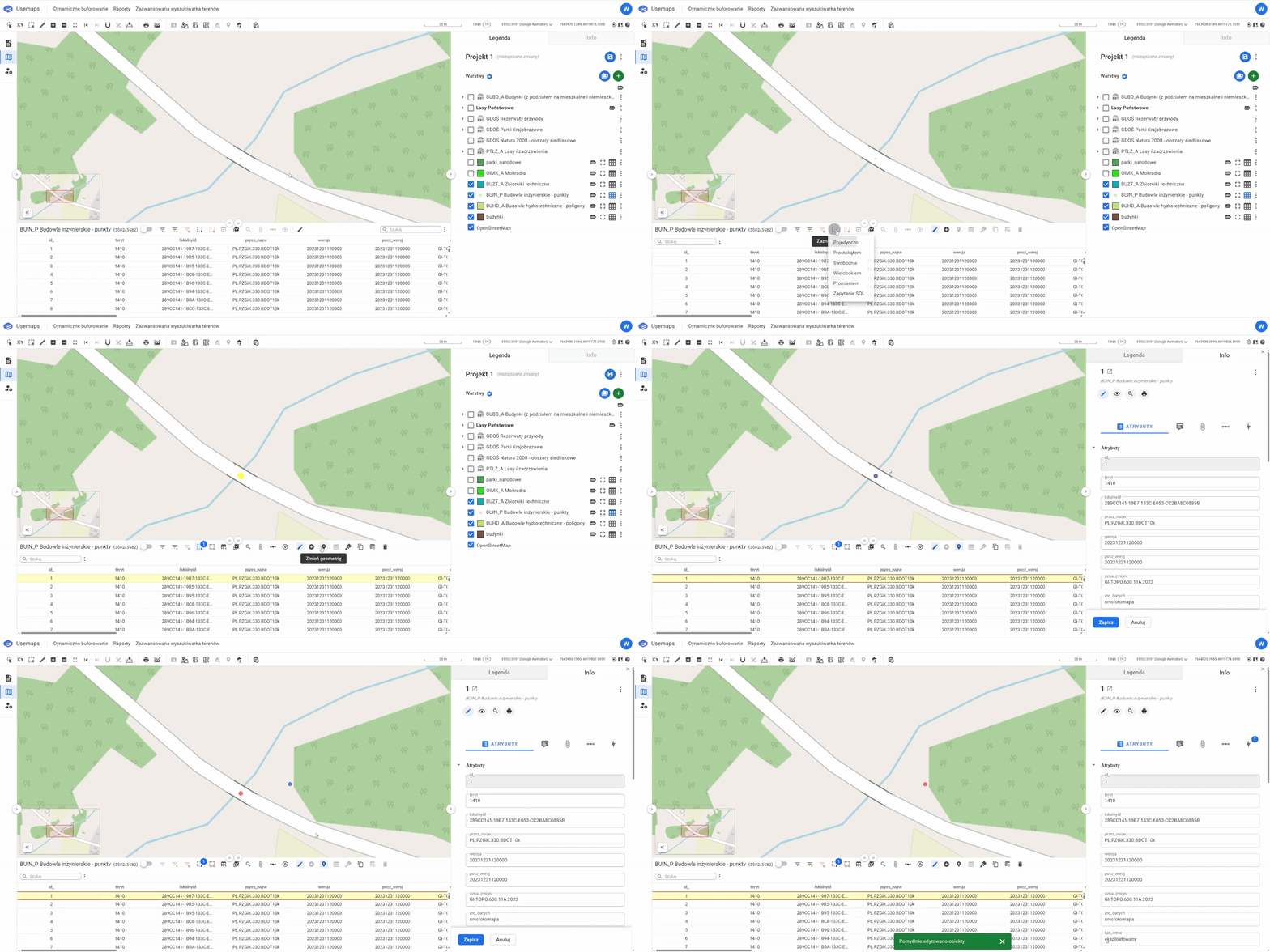
2. Go to the Attribute Table and select the desired object using the selection tool
3. Click on “Change Object Geometry”
4. You are currently in object edit mode – you can modify both its geometry and attribute values
5. To change its geometry, follow the steps according to its type:
-
- Move the point to a new location:
- Move the line nodes to a new location:
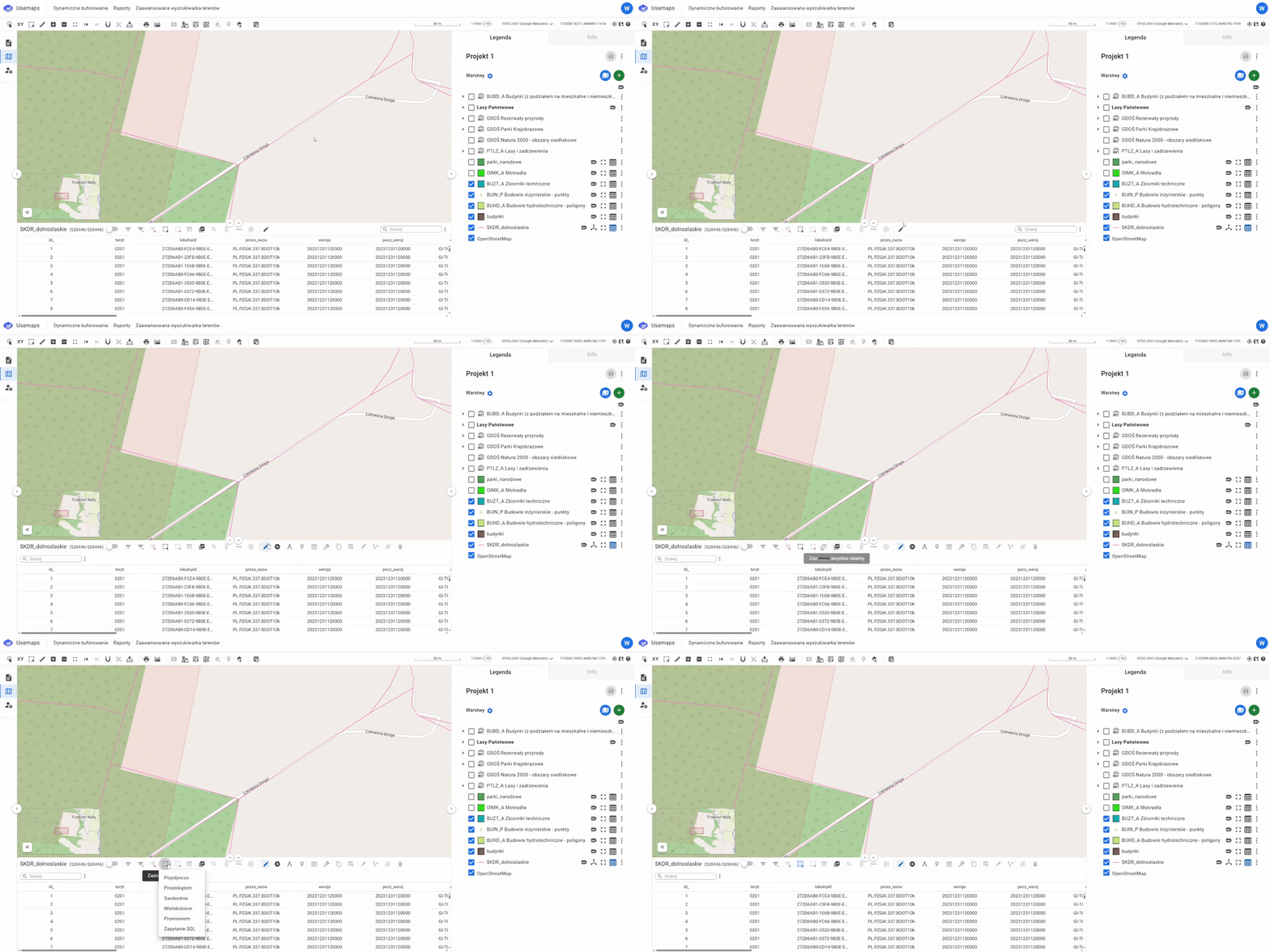
- Move the polygon nodes to a new location:
- Move the point to a new location:
6. Click ‘Save’ to preserve the new geometry