

 22
22 0
0 0
0 14 November 2021
If a User has permission to edit a given vector layer, the Editing Tools Panel appears in the header of the Attribute Table.
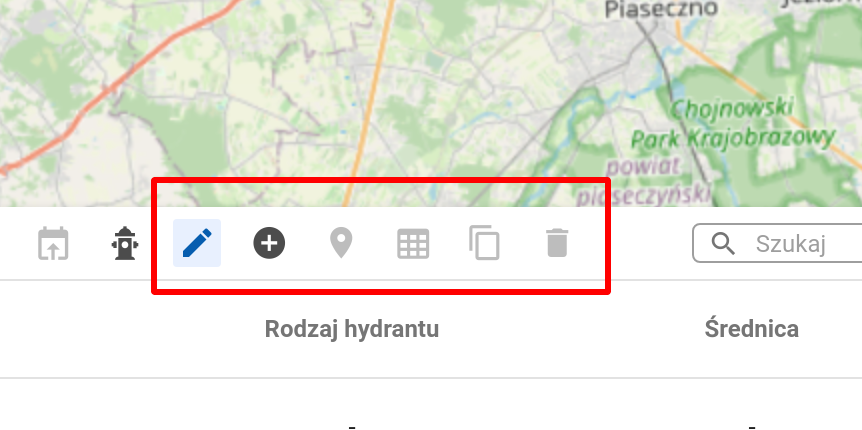
Editing Tools Panel tools:
- Add a new object. (read more: how to add a new point, line, or polygon to a layer)
- (Advanced) Precise Drawing
- Edit Object Geometry
- Bulk Attribute Update
- (Advanced) Automatic Attribute Update
- Copy Object – Create a new object using the attributes of an existing one
- Copy objects to another layer
- (Advanced) Move or Rotate
- Delete Object
Tools dependent on geometry type:
- Point
- Line
- Split Line
- Merge Lines
- Reverse Line Direction
- Polygon
- Create a new object using the parcel geometry
- (Advanced) For polygons: Split Polygon
- (Advanced) For polygons: Merge Polygons into One