

 35
35 1
1 0
0 12 November 2021
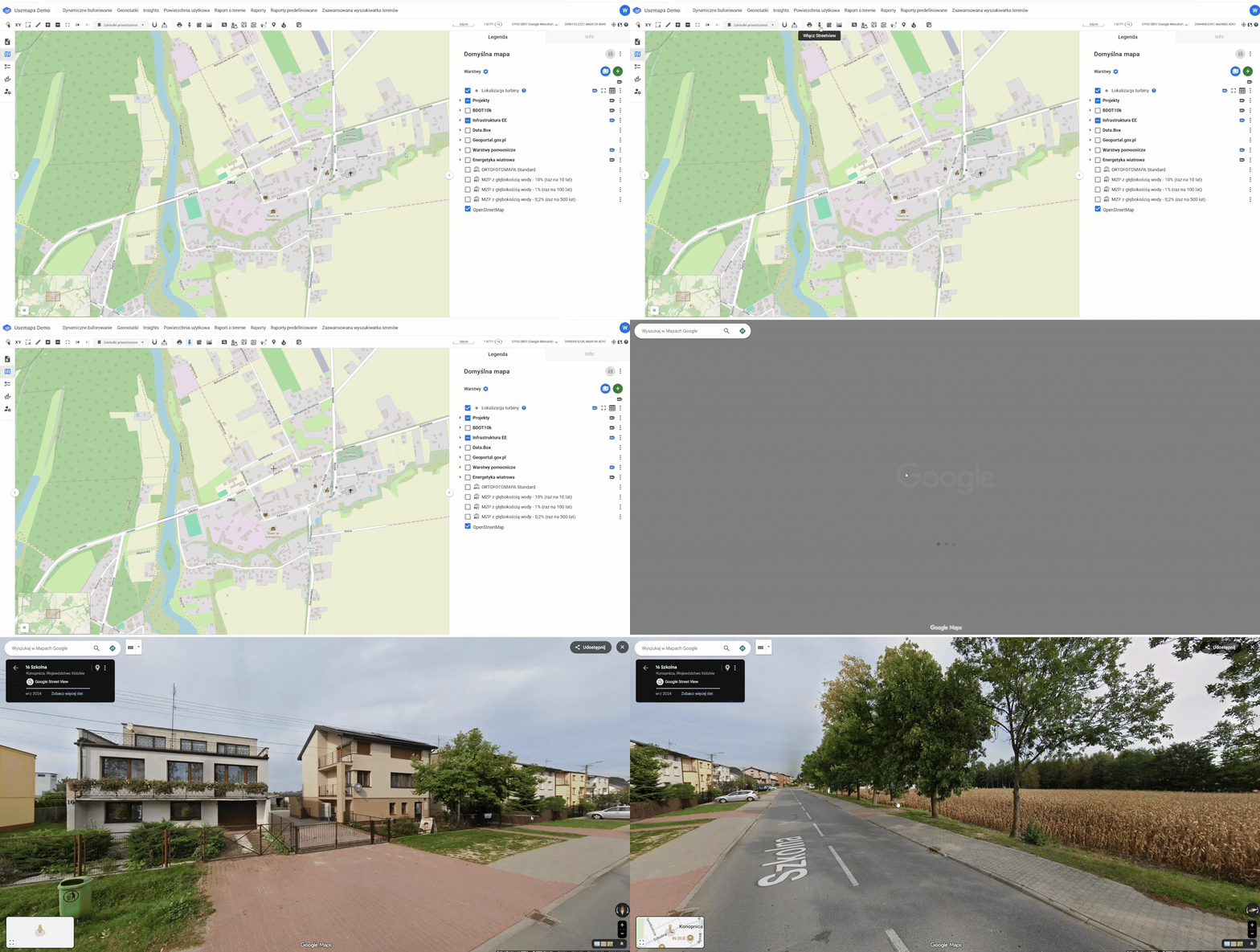
The tool allows viewing a selected location in Google StreetView.
How it works:
- Select the tool from the toolbar. The cursor will change to a crosshair.
- Click on the location you are interested in.
- Google StreetView will open in a new browser tab, centered on the clicked location.
Practical Information
Due to the fact that Google StreetView opens in a separate browser tab, the tool does not require any interaction with Google (such as creating an account, linking a credit card, etc.).
The tool has no usage limits.