

 5
5 0
0 0
0 30 August 2024
In the settings for Data Sources, Layers, and Attributes, you can optionally add a Description. This allows the Administrator to provide Users with precise additional information about a Layer or Attribute.
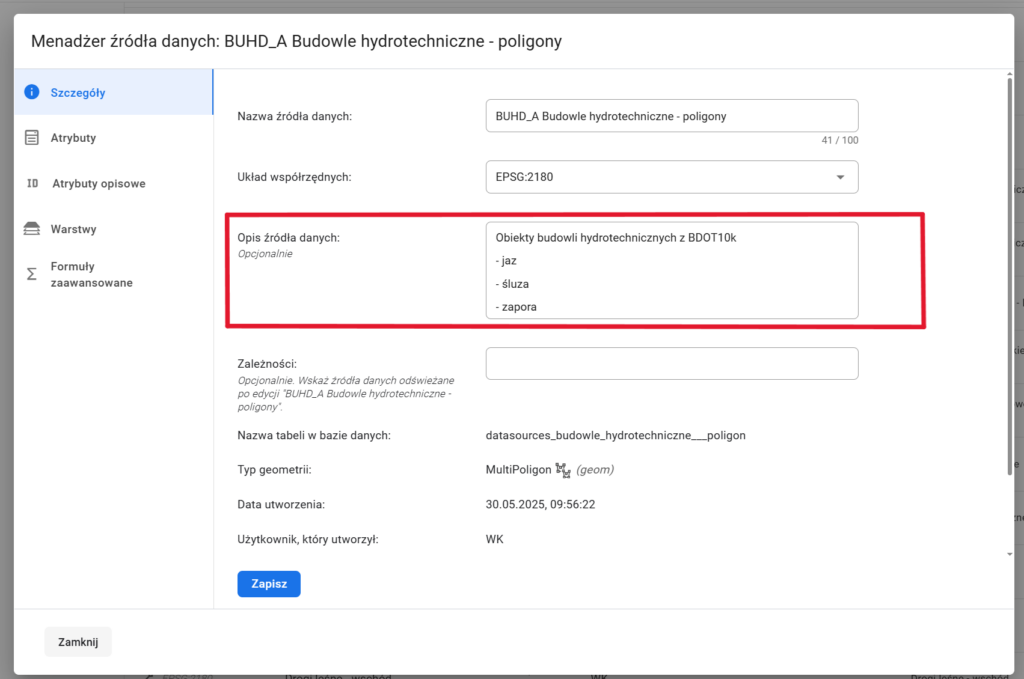
Descriptions added in the Source/Layer Manager will appear in all locations where the layer name is displayed, as a tooltip (information bubble) available by hovering over the question mark icon.
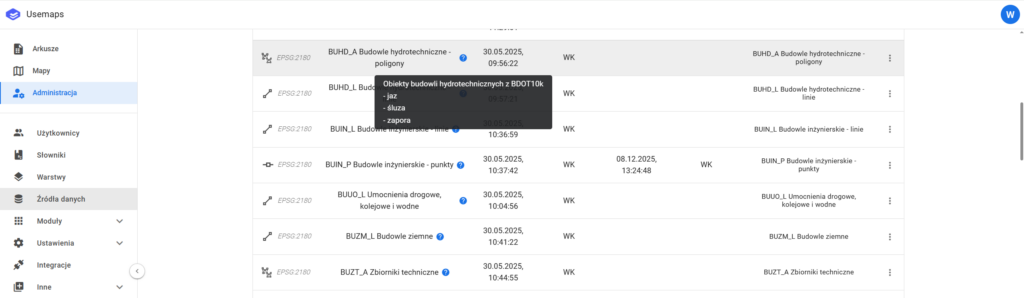
This is a tool that helps build trust in the data and confidence for Users when using the System.