0
0 0
0 0
0 20 November 2021
In the Attribute Table, the default column order matches their order in the Object Card.
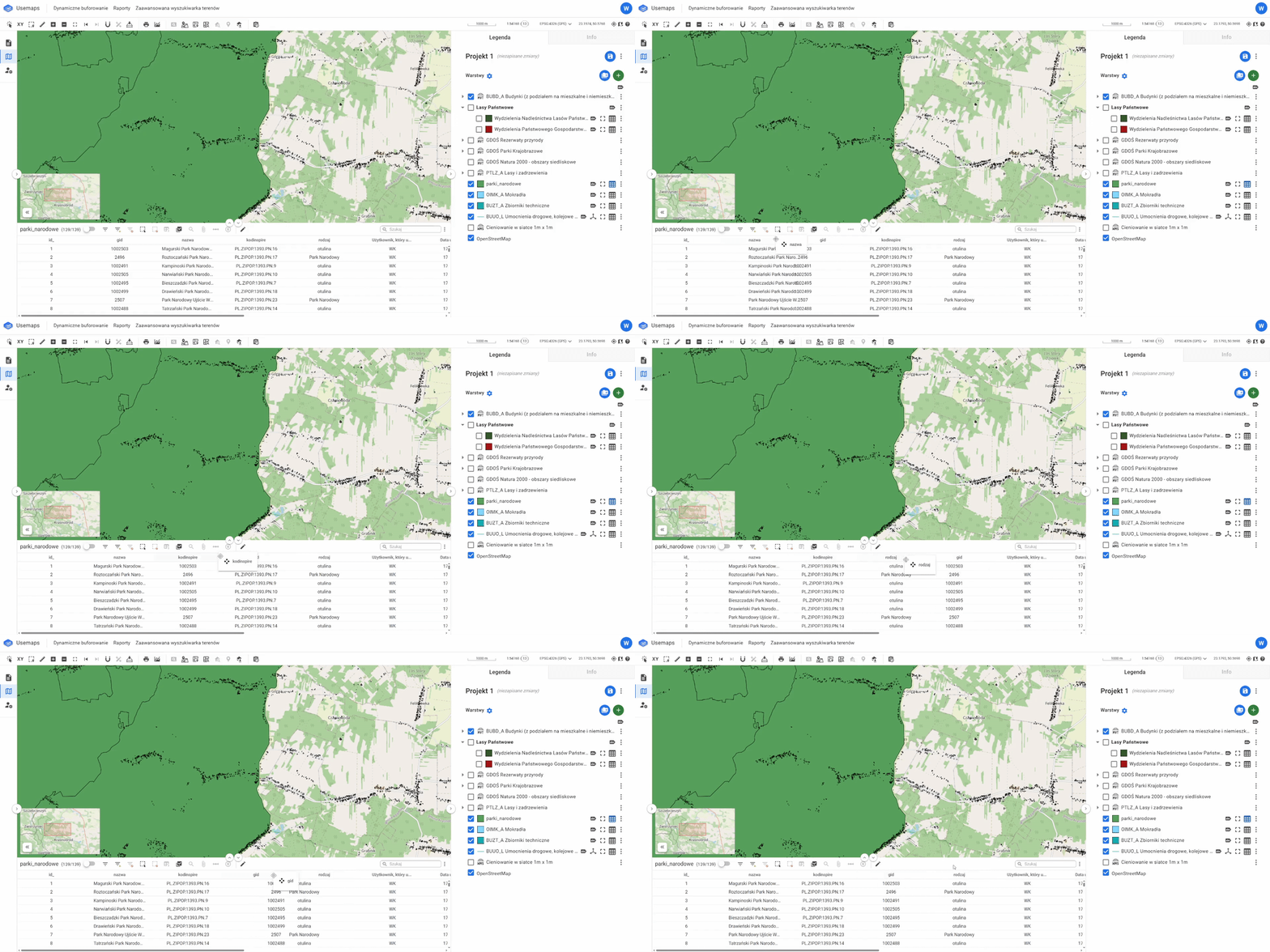
It is possible to change the column order by dragging them to the desired position. The order is automatically saved in the browser settings (local storage). The next time the Attribute Table for this layer is opened, the columns will appear in the saved order.
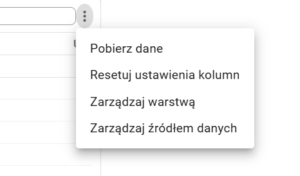
Default settings can be restored using the Reset Column Settings tool. This tool allows you to return the Attribute Table columns to their default order.