

 0
0 0
0 0
0 12 November 2021
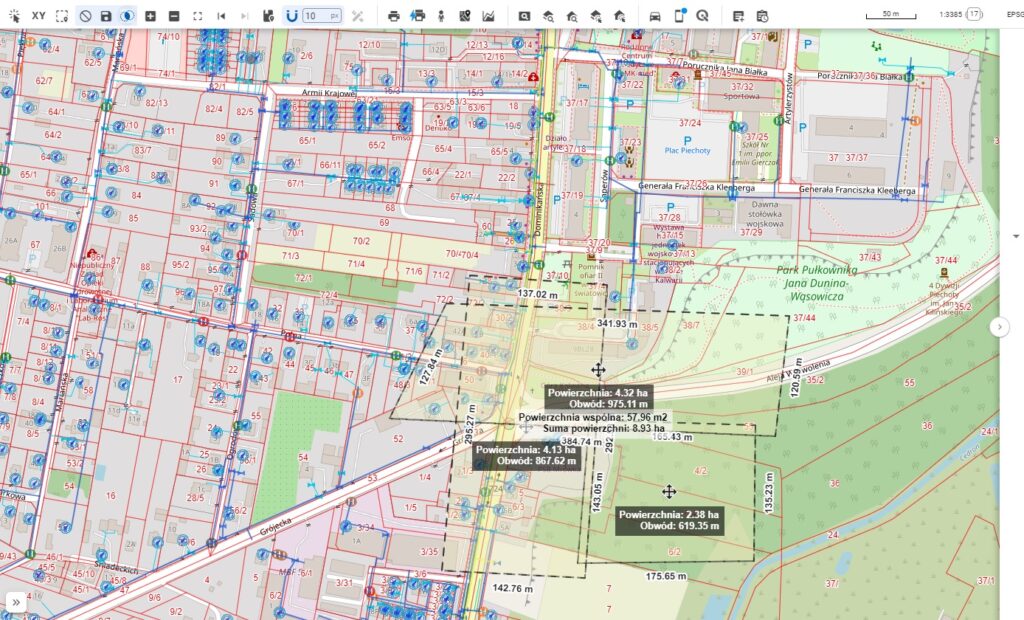
Measurement tool – the common ruler – consists of four parts:
- Area measurement
- Distance measurement
- Circle measurement
- Dimensioning
Description of operation
The tools are quite intuitive to use:
- Select the tool from the Tools Panel
- Click on the map to take a measurement in the area of interest
- Double-click to finish the measurement
- The tool is closed by clicking the icon on the toolbar again.
Note regarding map dimensions: The dimensions shown on the map are for reference only. The map uses the Web Mercator coordinate system, which may slightly distort actual proportions, especially over large areas and at higher latitudes.
Please note that the actual coordinate system used in the database may differ, depending on the implementation.