

 0
0 0
0 0
0 13 November 2021
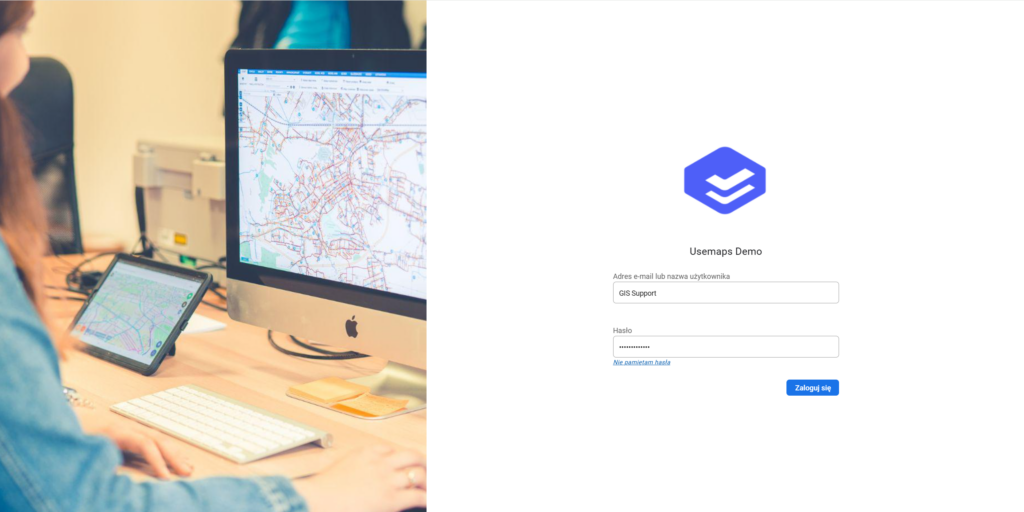
The panel visible when accessing the main System URL. It consists of:
- The main System image (visible only on the Login Panel). The image can be changed to match the visual identity in the System Settings.
- Logo (can be changed in the System Settings)
- Fields for entering login and password
- Link for password recovery/reset
- [Optional] part of the Login Panel also includes a field for entering a 2FA code
After entering the login and password correctly, the System redirects Users to the last used System view.