2
2 0
0 0
0 10 December 2021
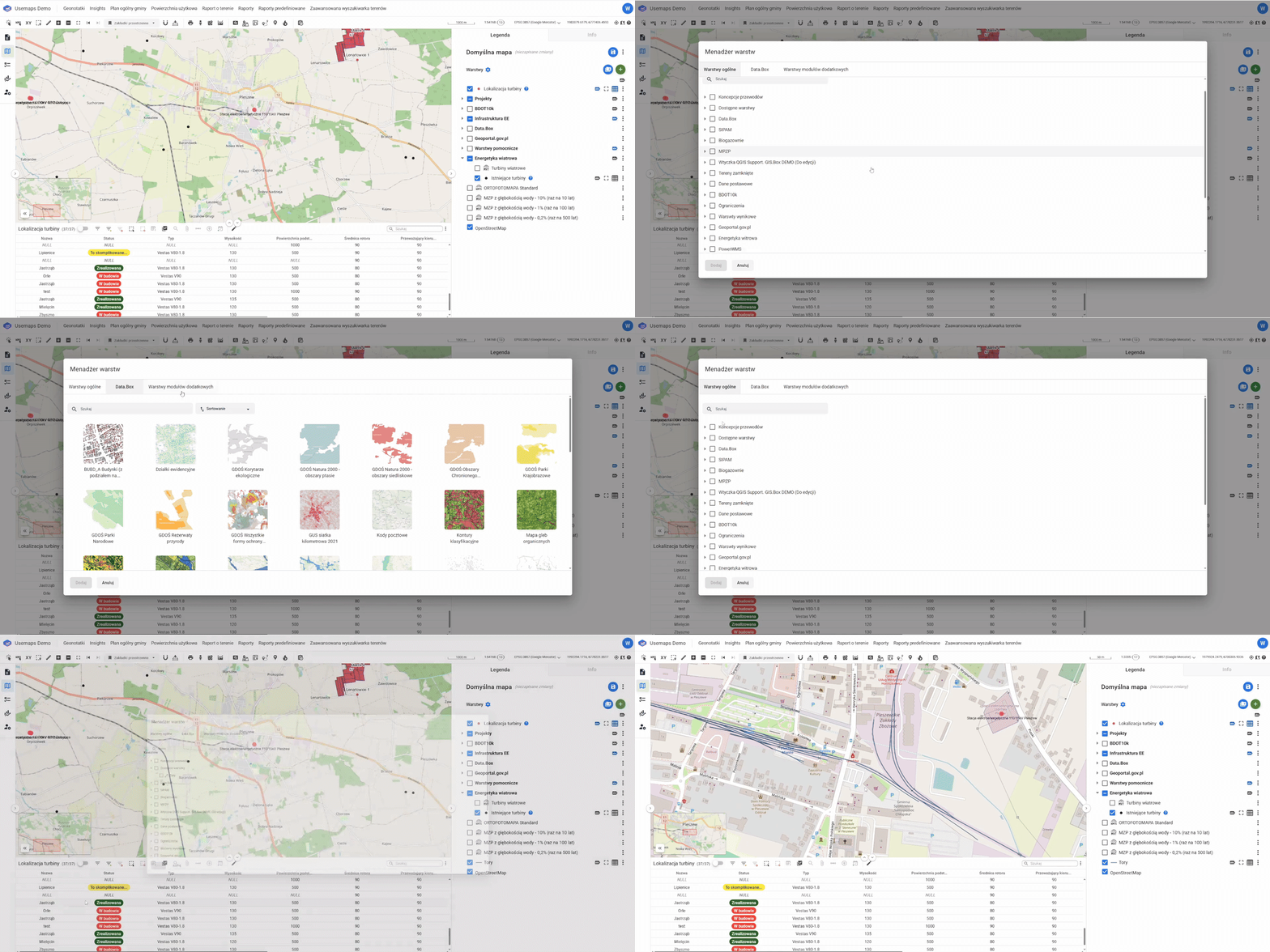
The Layer Manager is a window that opens when using the Add Layer tool.
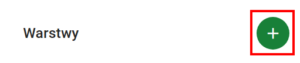
Add Layer is a button that opens a window with lists of layers accessible to the User.
By default, the window contains the following tab:
- General layers,
- Data.Box (if the module has been enabled)
- Layers from additional modules
The list may be longer depending on the System configuration.
Instruction
- You need to select the layer or layers of interest and click Add.
- The layers will be loaded into the Layer List.