

 0
0 0
0 0
0 19 July 2022
Do you want to check which data source Marian edited in July? Or maybe verify globally whether any changes were made on July 22?
The full change history is a non-spatial table that collects in one place all changes made as a result of data editing in the system.
You can open the full change history by clicking the Change History button on the toolbar ribbon or by adding the layer from the additional modules to the project.
The full change history has a fixed attribute structure:
– ID zmiany – a unique identifier for the change within the entire system
– Data zmiany – date and time of the change
– ID obiektu – object ID in the system
– Źródło danych – name of the data source in the system
– Typ zmiany – added/modified/deleted
– Użytkownik added/modified/deleted
The full change history includes filtering tools, which allow you to search for complex combinations, such as finding all changes made in July by the user Marian.
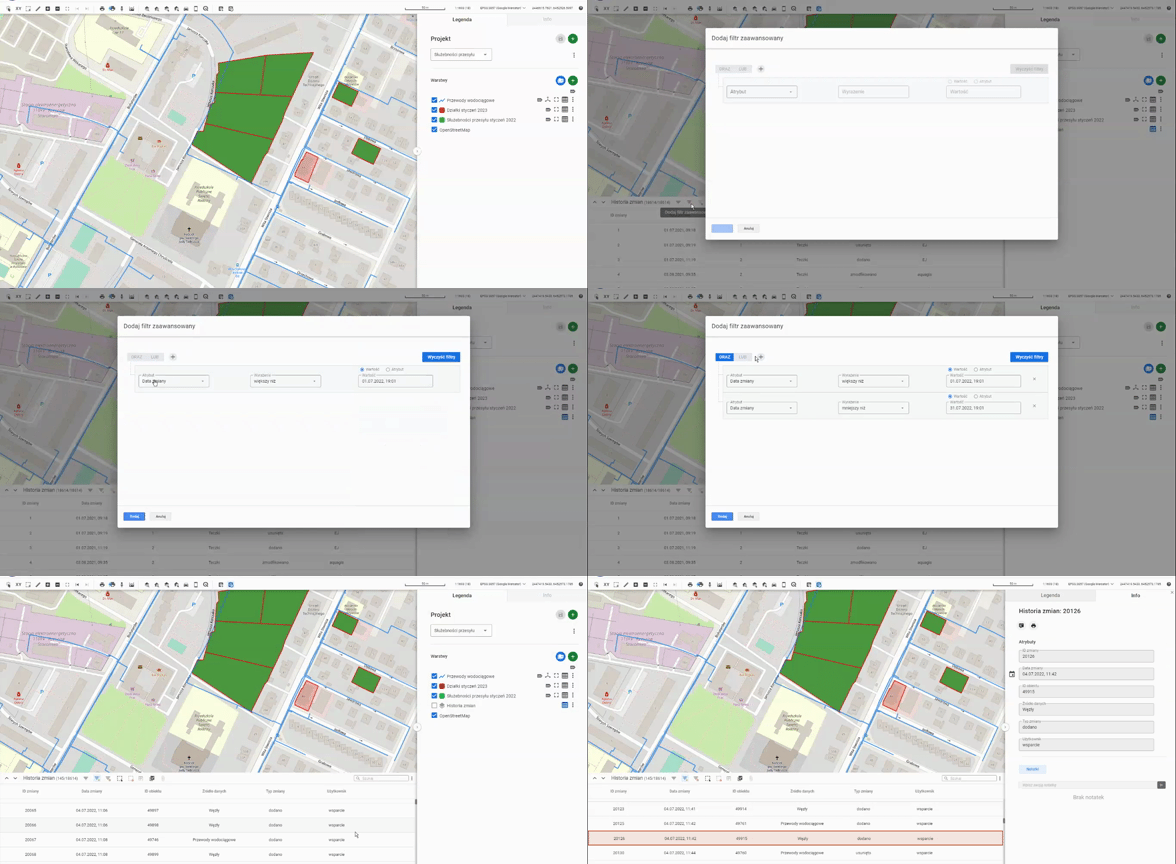
You can find the details of a change in the Object History tab, accessible from the object card of the selected layer.
Access to the tool depends on the scope of the implementation.