

 0
0 0
0 0
0 7 April 2022
Creating a style can be time-consuming, and your work may be lost (for example, if the style is accidentally deleted). Fortunately, it is possible to save the style to a file and use it in another layer.
To save a style, select the “three dots” and choose the Export Style option. A file with the extension .style will be saved to the disk.
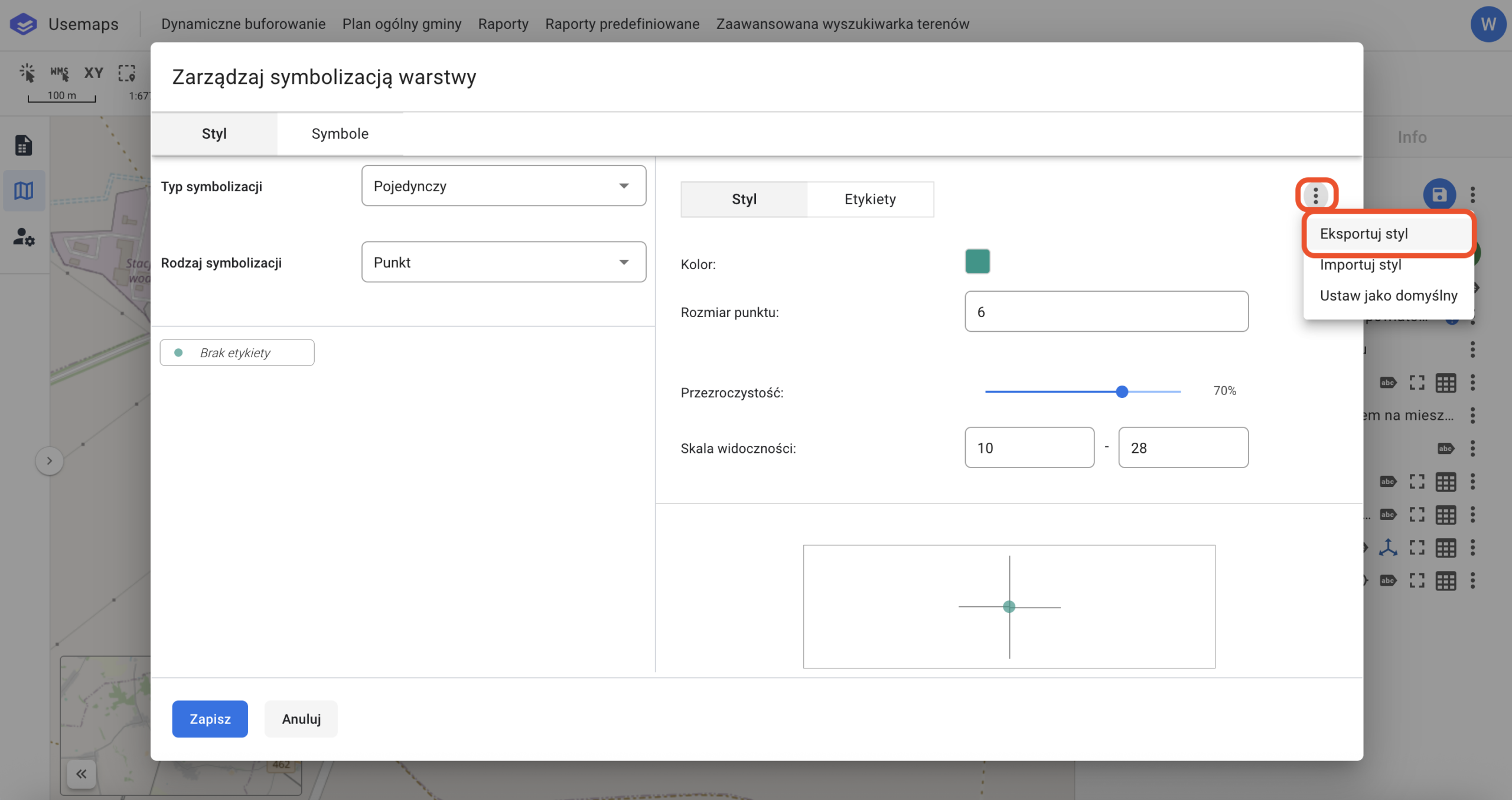
It is specific to the System and cannot be used in other GIS software. The saved style can be imported (see: Import Style).