

 1
1 0
0 0
0 18 July 2022
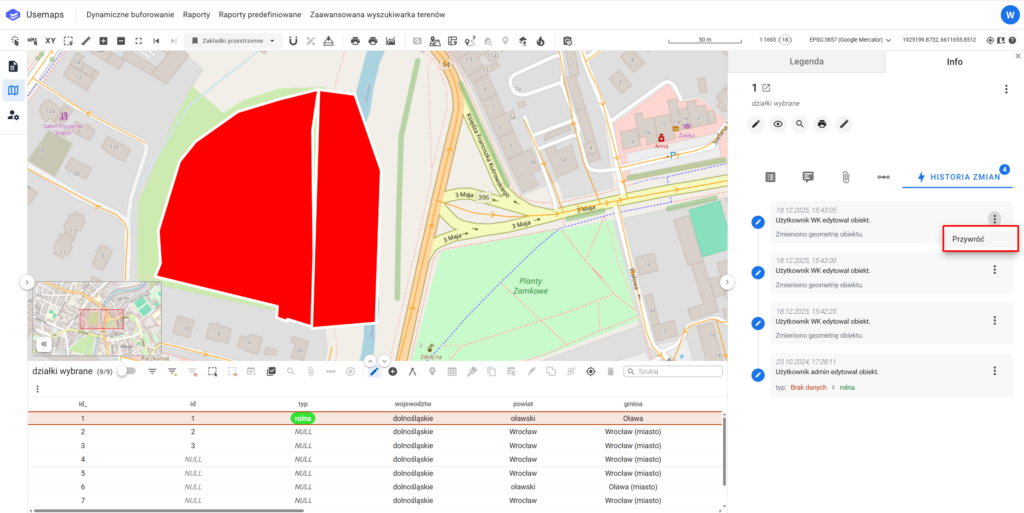
The Undo Changes tool is located in the Change History Panel for each entry and allows you to automatically revert all changes recorded in that entry.
Note!
For complex data models (using topology), it is not recommended to use this tool—especially for geometric changes—because it works on a single object, while the change may have affected multiple objects.