0
0 0
0 0
0 20 November 2021
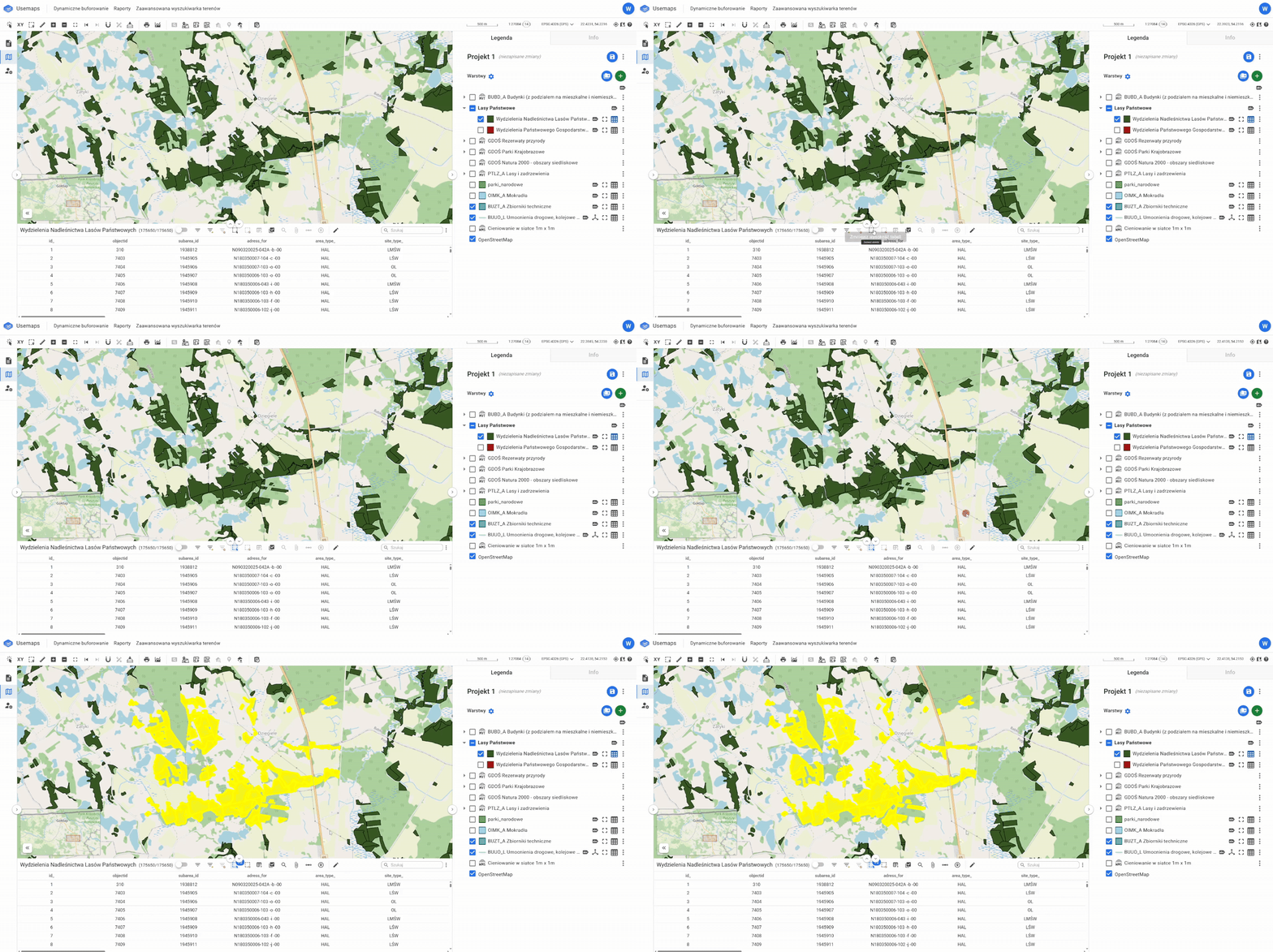
The Selection Tool is located in the Attribute Table and is used to select objects within a layer
The Selection Tool has several modes:
- Single selection,
- Rectangle selection,
- Freehand selection,
- Polygon selection,
- By radius and
- By SQL query
Only objects from the layer for which the Attribute Table is open are selected.
To select objects, you need to:
- Open the Attribute Table for the selected layer.
- Select the Selection Tool and choose the method for selecting objects.
- Select the objects on the map.