1
1 0
0 0
0 20 November 2021
The Object Identification Tool is available in the Tools Panel and allows users to identify an object.
We can identify objects from all layers that are displayed in the Map Window.
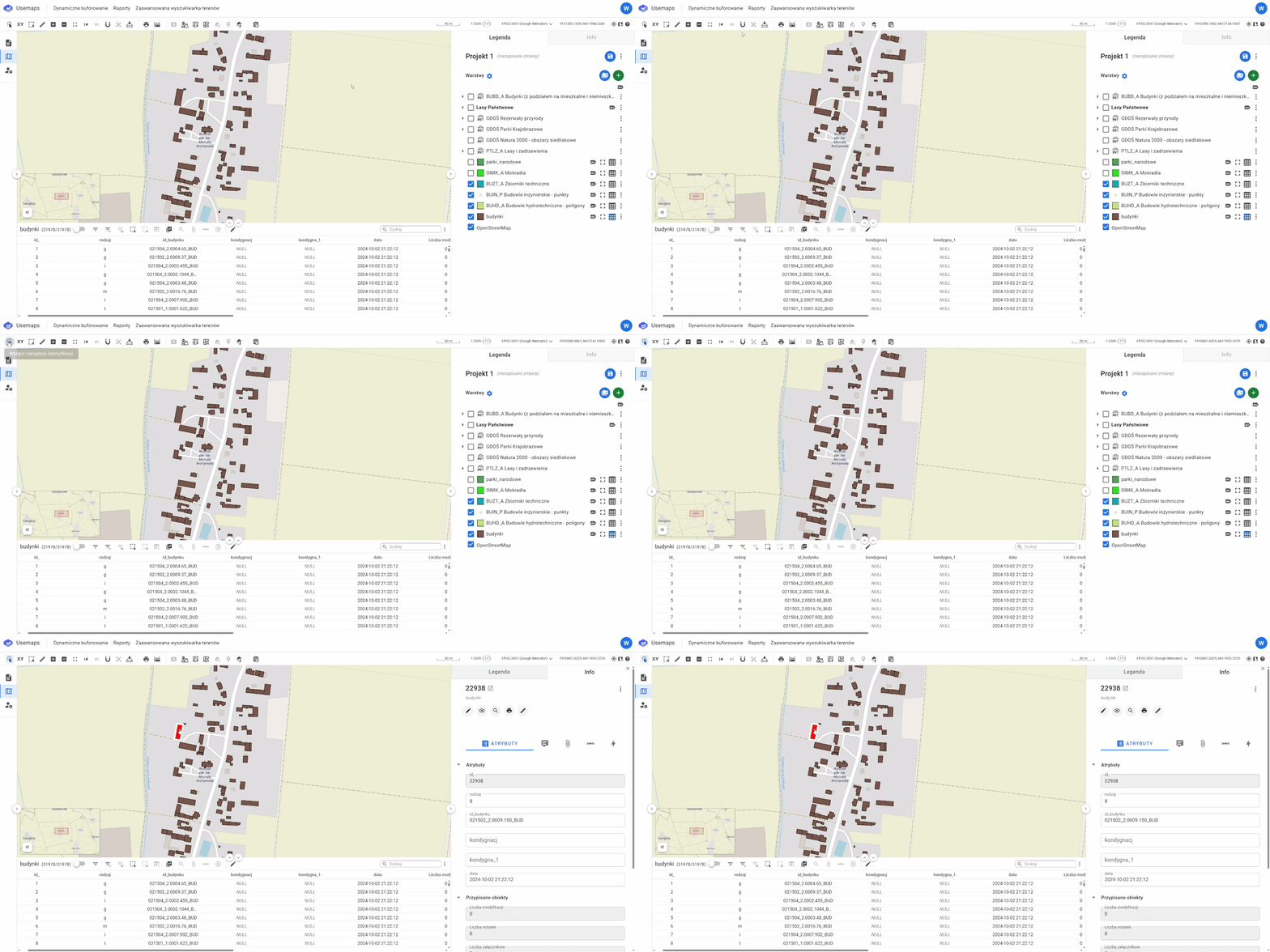
To use the tool, you should:
- select the tool by clicking its icon
- click on the object in the Map Window that you want to identify
- If there is only one object near the click, its Card will be displayed in the Information Panel, and the object itself will be highlighted in red.
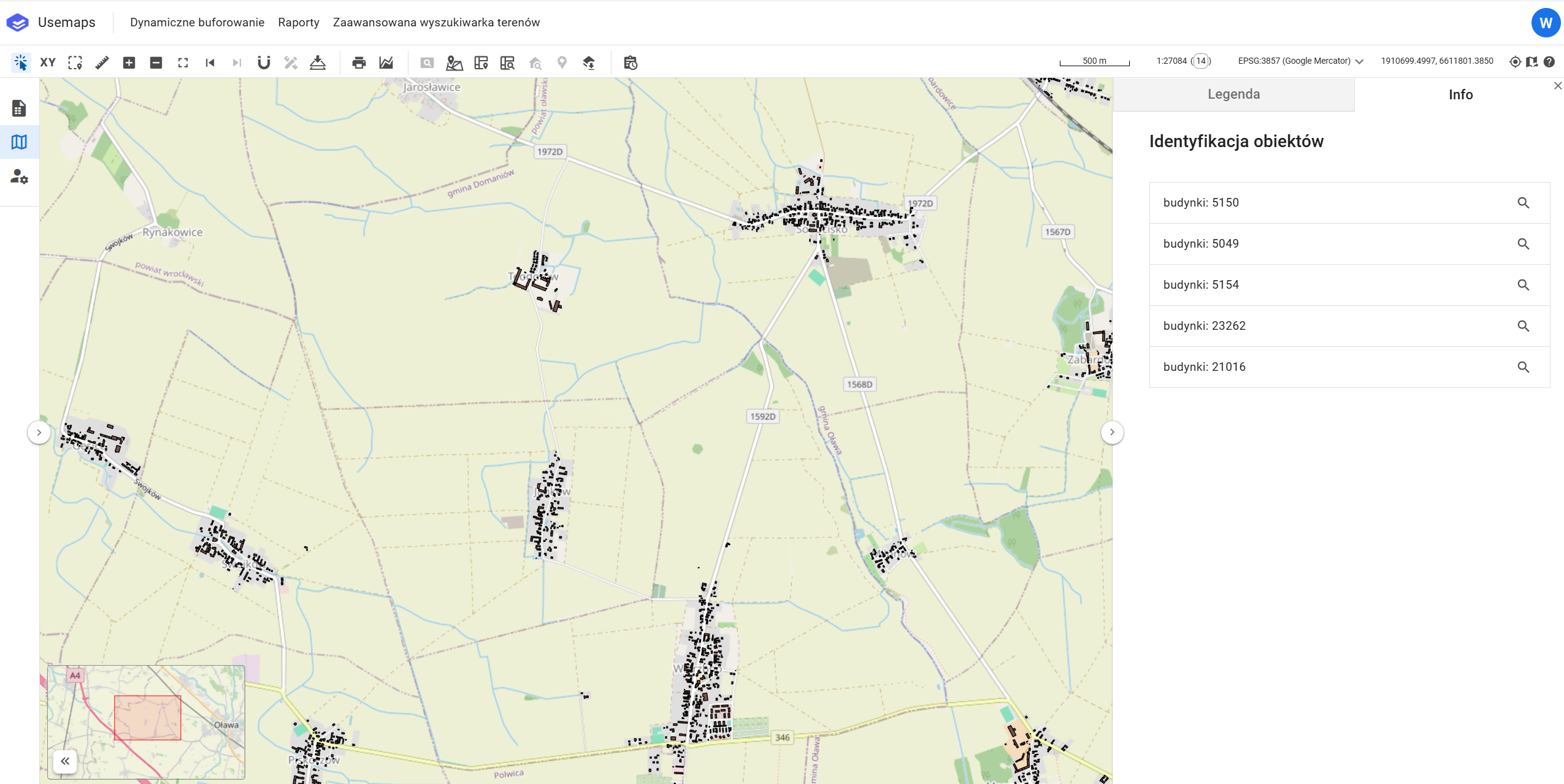
- If there are several objects near the click, the Information Panel will display a list of these objects, from which you can select one to open its Object Card.
- If there is only one object near the click, its Card will be displayed in the Information Panel, and the object itself will be highlighted in red.