1
1 0
0 0
0 2 February 2023
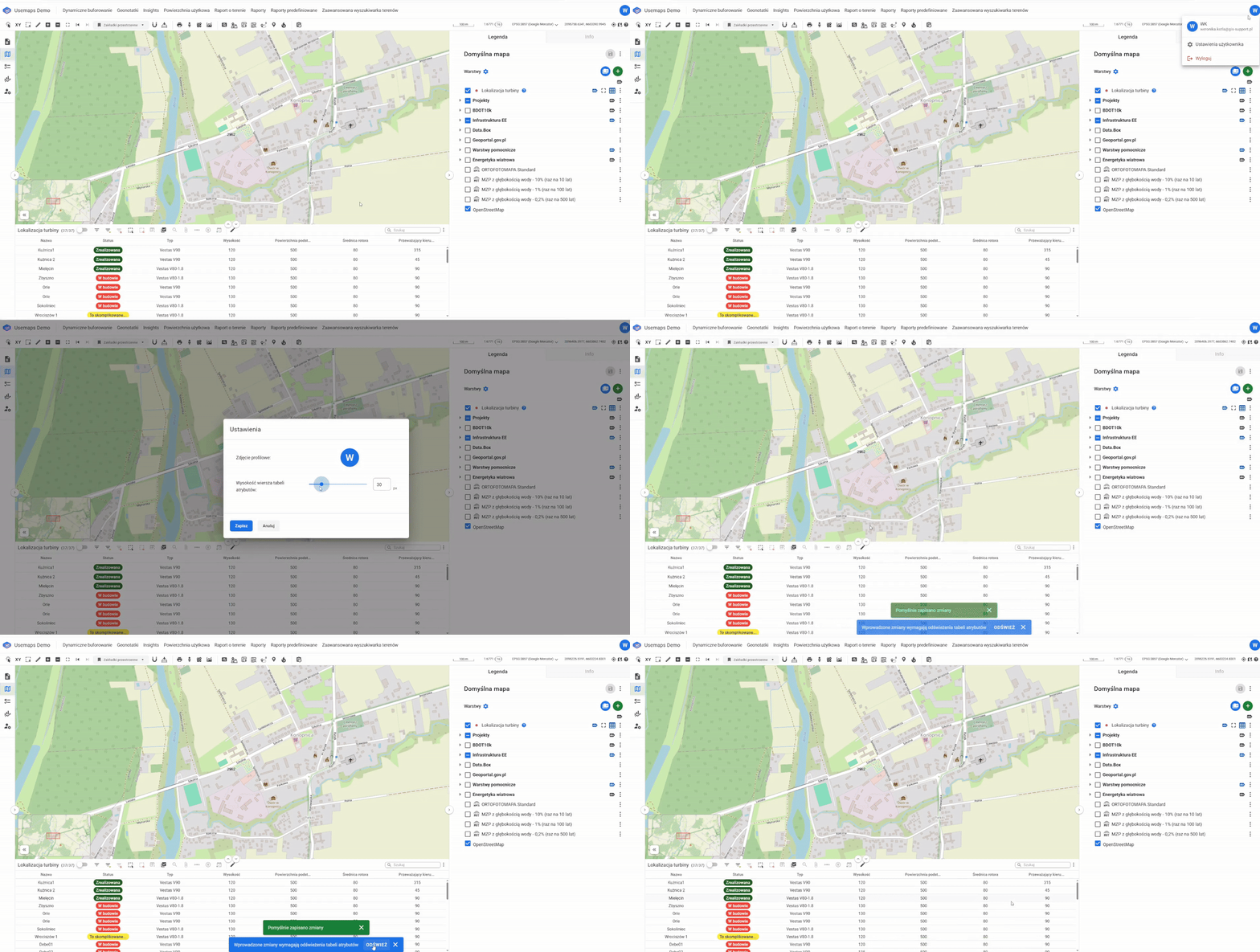
Depending on your needs and individual preferences, the System allows you to change the row height in the Attribute Table.
To change the row height:
- Click the User Button
- Select Settings
- Use the slider to choose the desired height measured in pixels
- Click Save and refresh the Table.