

 5
5 0
0 0
0 1 November 2021
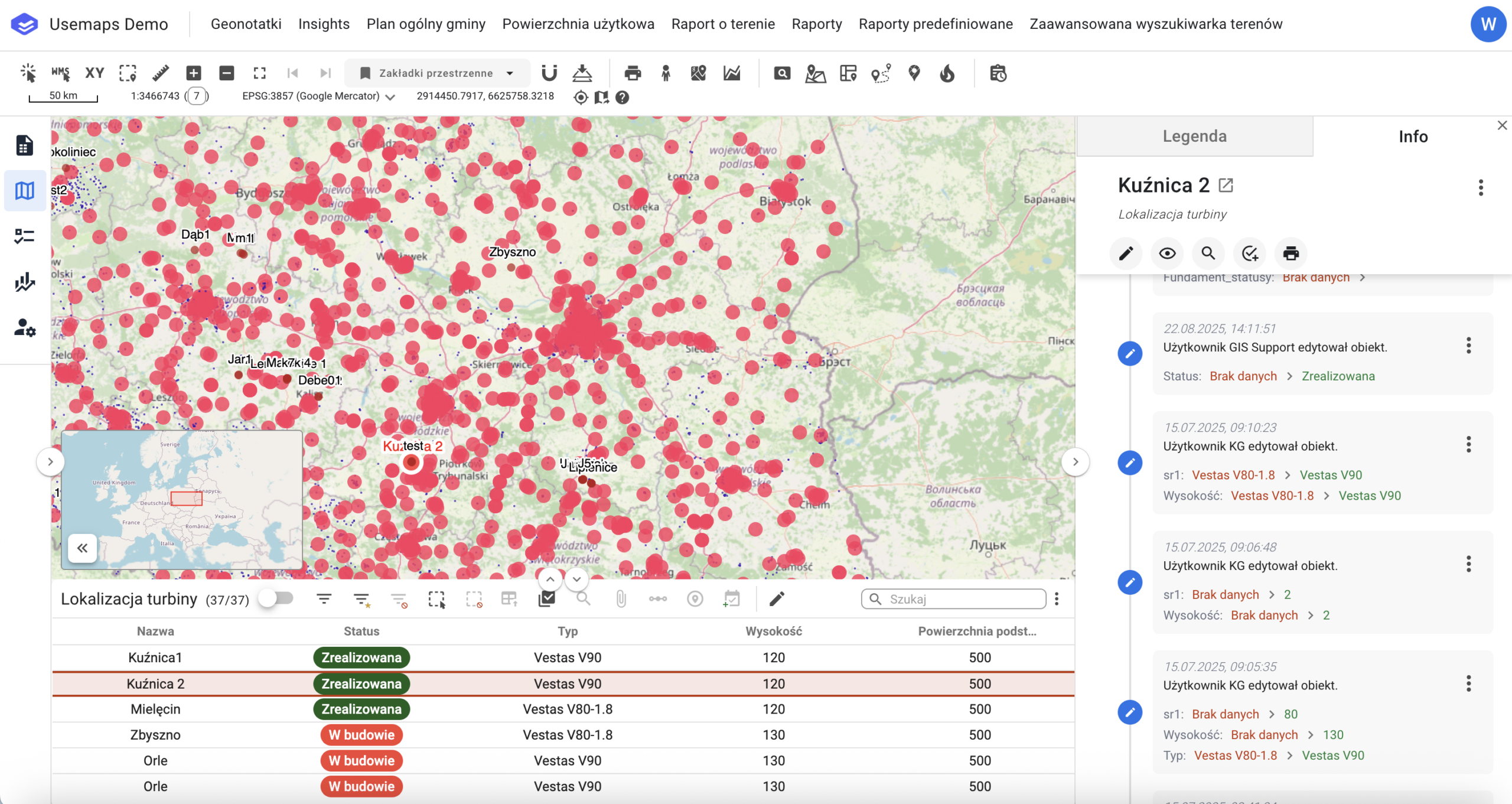
The Change History is a complete record of all changes made by Editors. For each Object in the System, the Change History is created automatically and saved after every edit.
The system automatically records:
- The creation date of the Object, or any edits to the Object
- The user who performed the action
- Changes in the Object’s geometry
- Changes in the Object’s attributes
The Change History can be viewed in the Object Card Relations Panel as a list of individual Change History Entries.
Additionally, all changes to objects in the system (depending on the scope of the implementation) are collected in the non-spatial table Full Change History.
Change History Tools:
- Restore Changes