

 14
14 0
0 0
0 12 May 2022
The System allows Users to request a password reminder or reset:
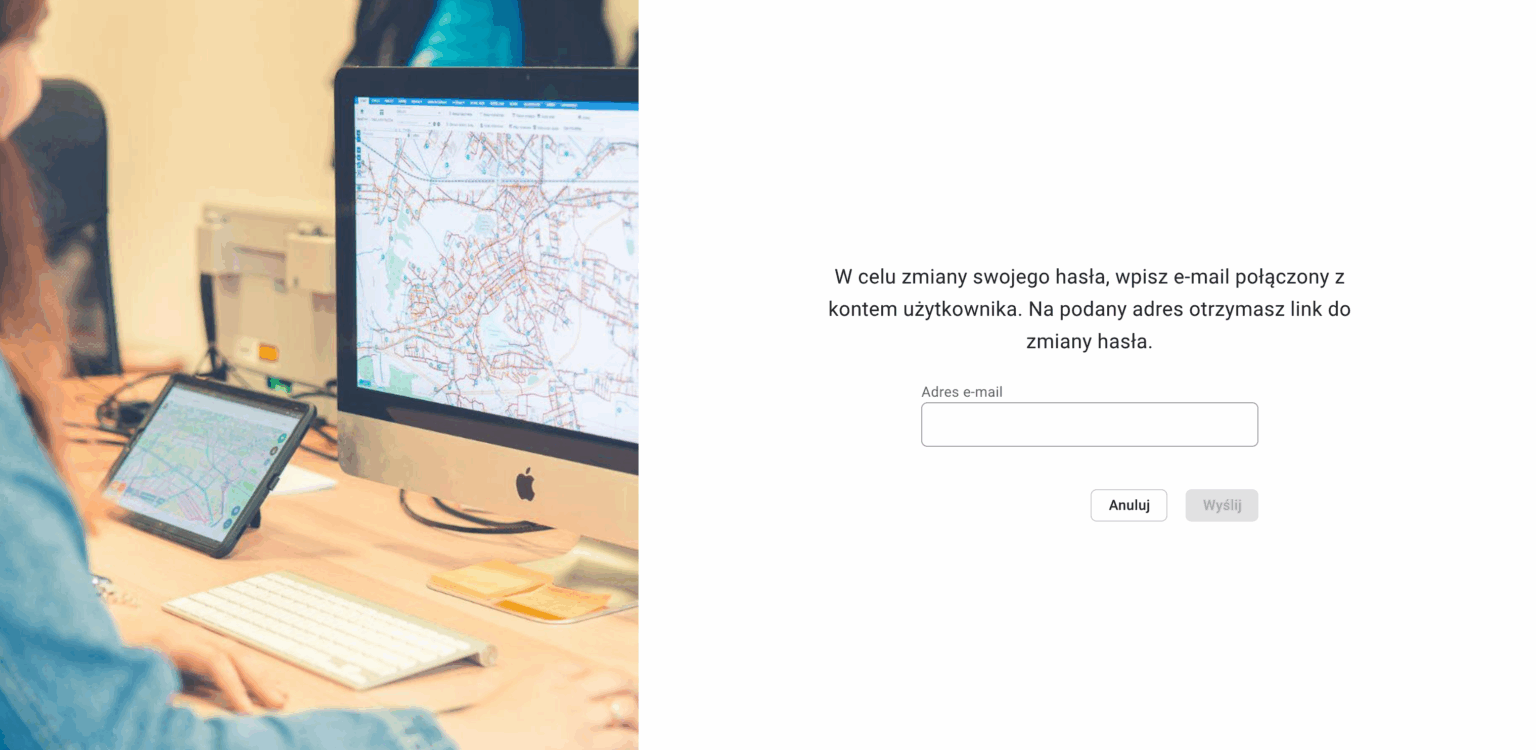
- In the Login Panel, select the “Forgot Password” option
- In the next window, enter the email address where the password reset link will be sent.
- If the email is found in the User database, the message will be successfully sent.
- After clicking the link in the email, the User will be prompted to enter a new password.
- After entering the new password, the User will be redirected to the Login Panel.