 0
0 0
0 0
0 21 January 2025
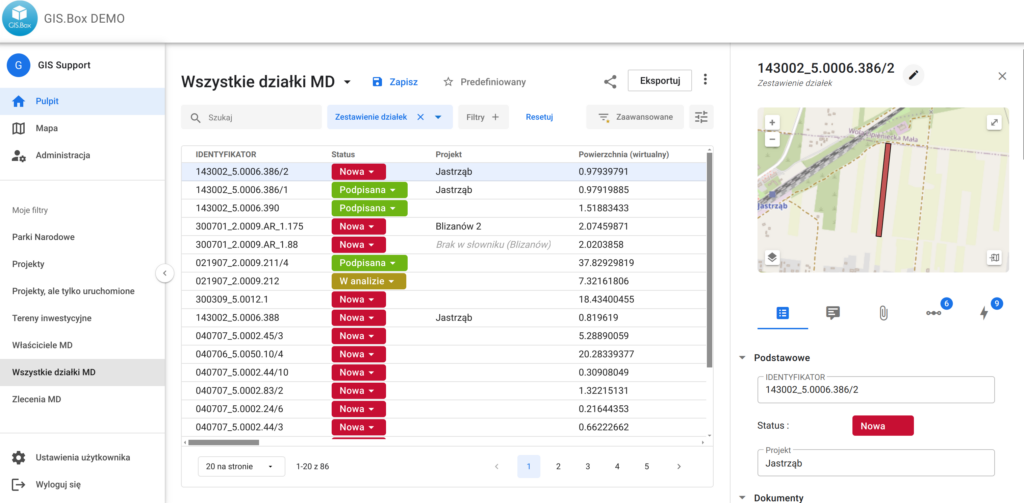
The latest Usemaps update has introduced a major new feature: Dashboards, which make browsing and searching for data even more convenient.
Each user may create any number of Desktops based on the layers stored in the System. Dashboards have:
- Finder
- Ability to filter and sort data
- Ability to edit dictionary data directly in the table
- The ability to save individual preferences regarding the order and visibility of attributes.
- The ability to share a selected Desktop with another user.
- For non-spatial layers, it is possible to add a new object directly from the Dashboard (Create button).
- Data export capability
- Displaying the Object Card
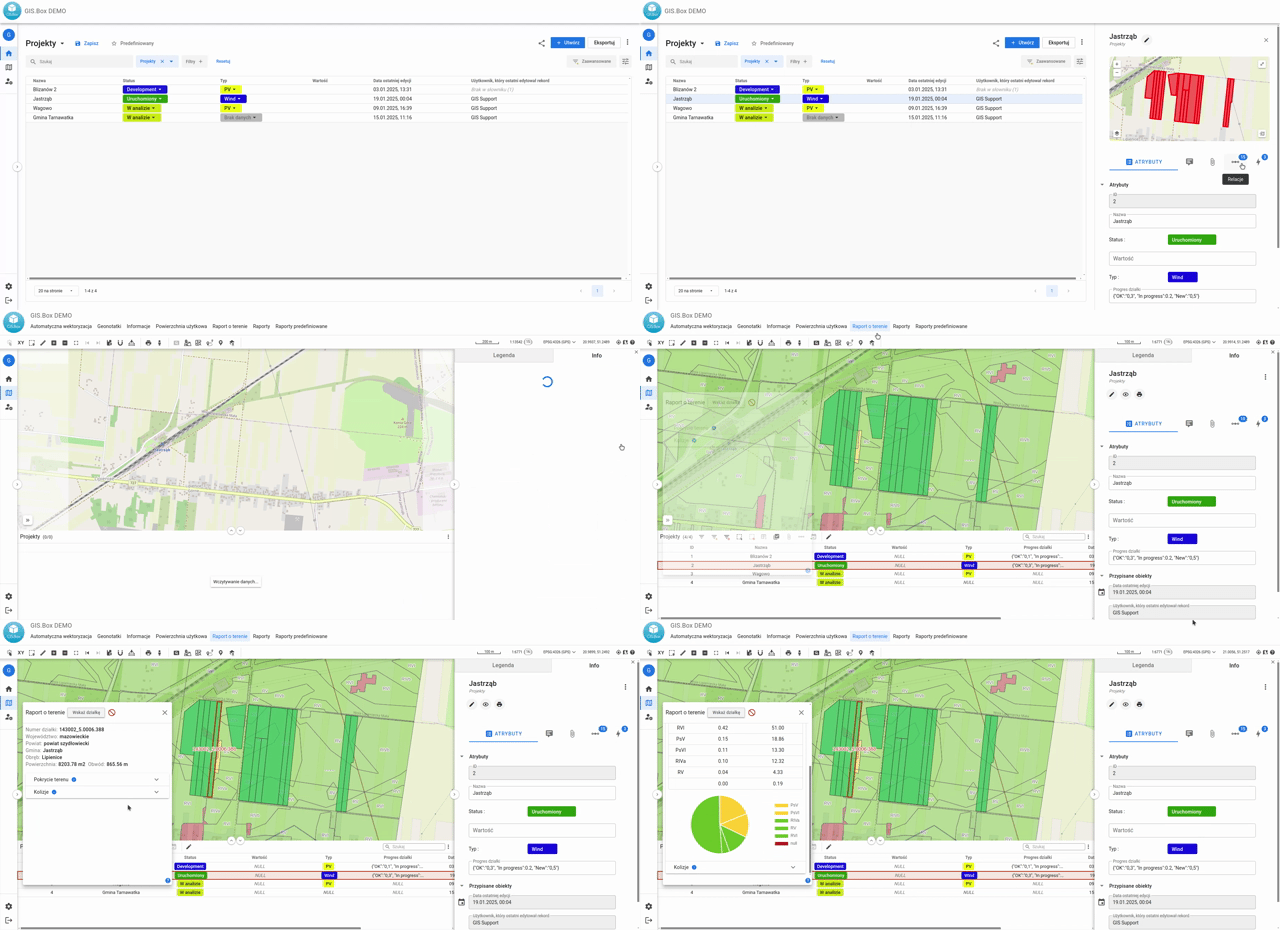
Desktops are primarily an opportunity to expand your GIS to users who are reluctant to work on a map. It looks and behaves like a spreadsheet with a map, so onboarding new people is even faster. Some new users will not work with the Map (formerly Map Panel) at all.
If your Usemaps does not yet have desktops enabled, please contact your Account Manager 🙂